
The best laptops are a significant investment. For many of us, it’s an essential tool for work, study, plus communication. Hence, it is important to maintain your laptop. It is not just a smart thing to do, it’s a necessity.
In this blog post, we will delve deep into the practical steps you can take to maintain your laptop.
Tips that will, thereby, extend its lifespan, saving you money along with time plus avoiding future stress.
>>>Related post: The Importance of Regular Laptop Maintenance and Cleaning<<<
Why It’s Important to Maintain Your Laptop
It’s no mystery, a laptop is a significant investment.
With prices for high-quality machines often stretching into the thousands, it’s worth taking the time to maintain your laptop properly.
Not only will this save you money in the long run by preventing costly repairs or early replacements.
Maintaining your laptop will also ensure that your laptop can continue to serve you efficiently and effectively in your day-to-day life.
Protecting Your Laptop Physically
Case and Bag
One of the simplest yet most effective ways to protect your laptop is by purchasing a sturdy laptop case or bag.
These items are designed to shield your laptop from physical damage, including drops, impacts, plus scratches.
A good case or bag will also have compartments for your charger and other accessories, helping to keep everything organized.
I wrote more on laptop bags in a previous blog post here
Environment
Try to keep your laptop in a clean, dust-free environment as much as possible.
Dust can accumulate inside your laptop, blocking vents and causing overheating.
Also, avoid using your laptop in excessively hot or cold conditions, as these can damage the internal components.
Handling
Be gentle when opening and closing your laptop, and avoid placing heavy items on top of it.
It’s also important to refrain from eating or drinking near your laptop, as spills can cause serious damage.
Optimizing Your Laptop’s Software
Regular Updates
Keeping your laptop’s software up-to-date is crucial for its longevity.
This includes the operating system, antivirus software, along with any apps or programs you regularly use.
Updates often include security patches along with fixes for bugs that could otherwise slow down your laptop or make it vulnerable to threats.
Manage Your Storage Space
Overloading your laptop’s storage can slow down its performance significantly.
Regularly clean your storage drive by deleting unnecessary files, uninstalling unused applications, plus moving large files to an external storage device or cloud storage.
Use Antivirus Software
Protect your laptop from malware plus viruses by installing a reputable antivirus software.
This will help to keep your laptop running smoothly along with help to prevent data loss.
I wrote more on the best antivirus software for free here
The Role of Regular Cleaning
Regularly cleaning your laptop can significantly enhance its lifespan.
This includes dusting the keyboard plus cleaning the screen with a soft, dry cloth or a cleaner specifically designed for electronics.
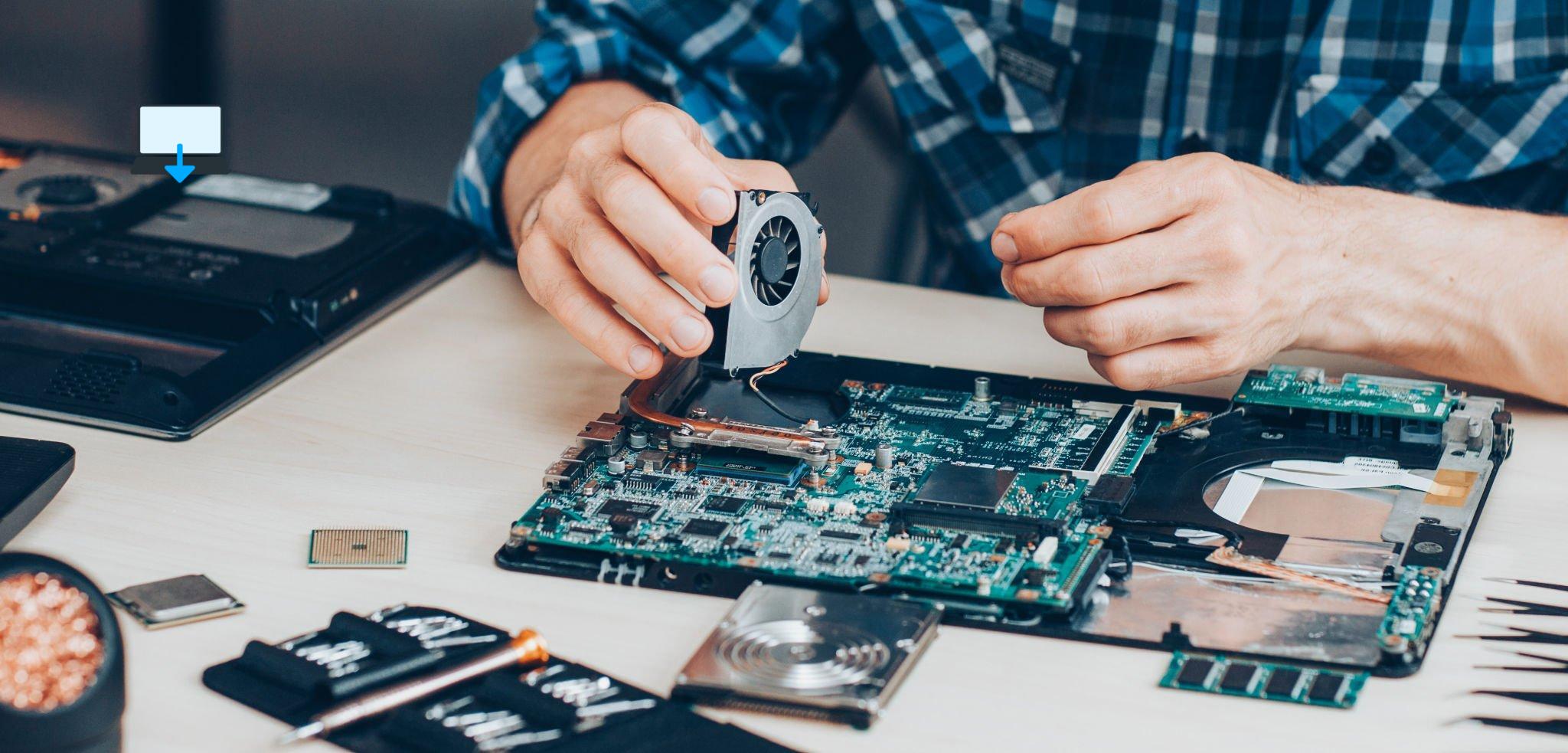
Additionally, periodically cleaning the vents plus fans can prevent overheating, a common cause of laptop damage.
The Importance of a Good Battery Routine
Laptop batteries tend to degrade over time, but you can slow this process by adopting a good battery routine.
Try not to let your battery level drop below 20% before charging, plus avoid leaving your laptop plugged in all the time once it’s fully charged.
I wrote more on extending your laptop battery performance previously here
The Value of Timely Upgrades plus Repairs
Finally, don’t put off necessary upgrades along with repairs.
If your laptop is running slow, it might benefit from additional RAM or a larger hard drive.
If something is physically broken, such as a keyboard key or the screen, get it repaired as soon as possible to prevent further damage.
Summary
To maintain your laptop plus extend its lifespan, protect it physically with a good case combined with careful handling.
Keep its software up-to-date, clean it regularly, adopt a good battery routine, plus don’t delay necessary upgrades along with repairs.
By following these steps, you can ensure that your laptop serves you well for many years to come.
Remember, your laptop is an investment.
By taking the time to maintain your laptop properly, you’re not just saving money, you’re also ensuring that this essential tool can continue to support you in all your computing needs.
>>>Related post: The Importance of Regular Laptop Maintenance and Cleaning<<<
If you enjoyed reading this post on “How to Maintain Your Laptop to Extend Its Lifespan: A Comprehensive Guide“ or if it helped you in any way, please feel free to show your support by giving us a share or a like.
It would mean a lot to us!… Still unsure about something?
Then consider giving us a chance to help you decide the best course of action for your situation, along with what would best meet your requirements.
We are highly flexible with a no fix no fee policy along with being one of the leading computer repair specialists plus custom-built PC computer/server build specialists in Bridgend and South Wales, U.K.
Book your FREE no-obligation quote today!
Our normal service area is Bridgend, however, we also cover Swansea, Port Talbot, Bryncethin, Sarn, Ogmore Vale, Maesteg, Llantwit Major, Cowbridge, Barry, Penarth, Dinas Powys, Cardiff, plus as far as Newport.
Best Computer Repair Bridgend plus South Wales, U.K. can also offer worldwide remote support, virus removal, or even custom-built gaming PCs.
We work with competitive rates, contactless payment, and delivery, along with a friendly, professional service that can’t be beaten anywhere else.
Why not contact us today here or say hello in the live chat at the bottom right of the page. Thank you for reading, plus have a wonderful week! 🙂
To our continued health plus success
Eric Luis – CEO Best Computer Repair –
Bridgend and South Wales, U.K.


POST REPLY