
If you have been following our weekly news updates on social media, you will already know the threat of ransomware attacks looms large. So I wanted to offer you the best steps to protect yourself from ransomware completely free for those who may be under attack, yet strapped for cash.
Ransomware is a type of malicious software designed to block access to a computer system or data until a sum of money or more commonly anonymous cryptocurrency is paid.
These attacks can be devastating for individuals plus businesses alike, leading to data loss, financial losses, plus reputational damage.
Therefore, it is essential to take proactive steps to protect yourself from ransomware attacks.
>>>Should you pay Ransomware demand fees – Yes or No?<<<
Comprehending Ransomware Attacks
Before delving into the best ways to protect yourself from ransomware attacks, it is crucial to comprehend how these attacks work.
Ransomware typically infiltrates a system through phishing emails, malicious websites, or software vulnerabilities.
Once inside a system, the ransomware encrypts files or locks the entire system, making it inaccessible to the user.
The attackers then demand a ransom payment in exchange for decrypting the files or restoring access to the system.
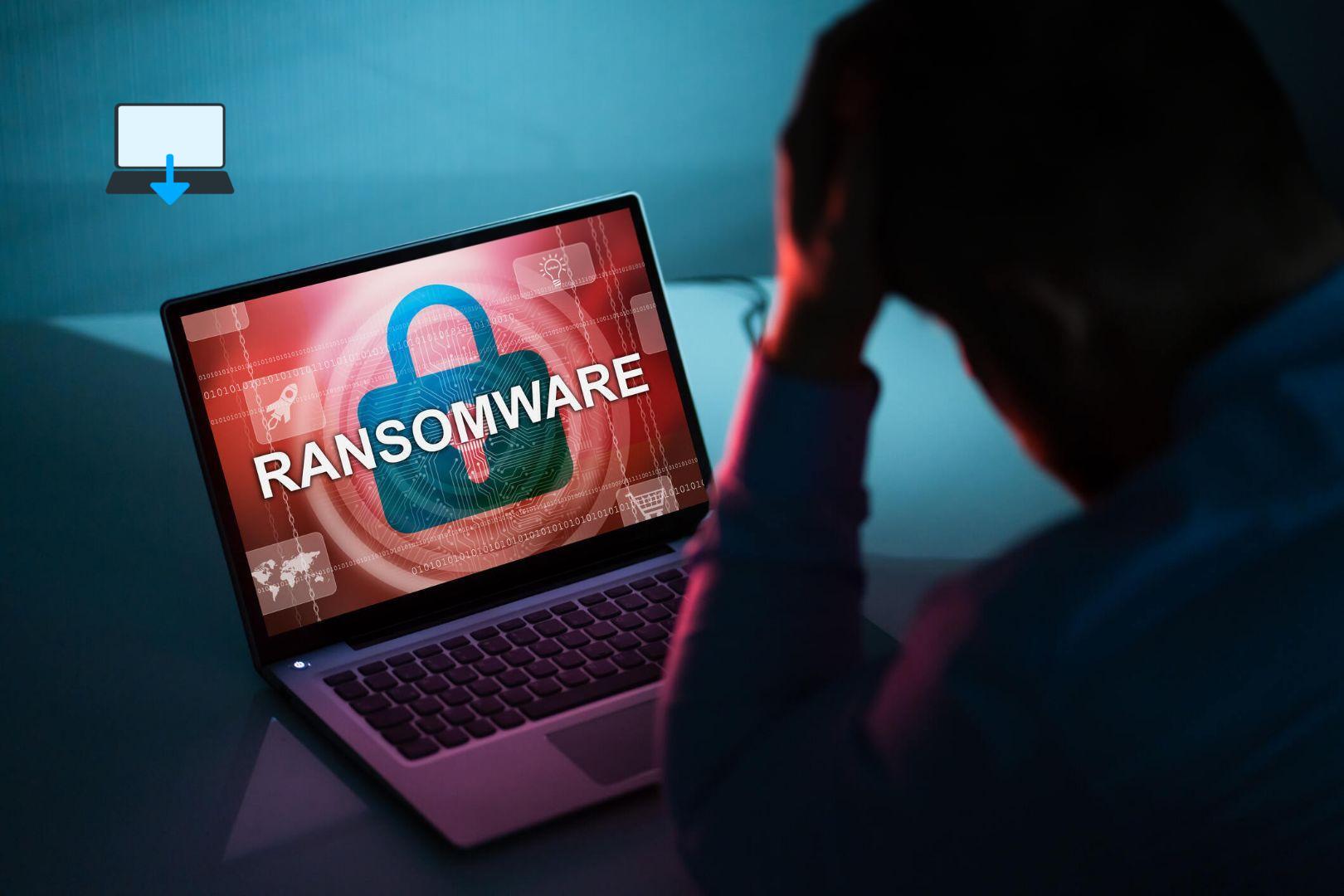
Best Practices for Protecting Yourself from Ransomware
- Keep Your Software Updated: One of the most effective ways to protect yourself from ransomware attacks is to ensure that all your software, including operating systems plus applications, are up-to-date. Software updates often contain security patches that address known vulnerabilities exploited by cybercriminals. A good example of this is the WannaCry virus we previously covered here.
- Use Antivirus plus Anti-Malware Software: Installing reputable antivirus along with anti-malware software on your devices can help detect plus remove ransomware threats before they cause harm. Make sure to regularly update these security programs to stay protected against evolving threats.
- Be Cautious with Email Attachments along with links: Ransomware typically spreads through phishing emails containing malicious attachments or links. Exercise caution when opening email attachments or clicking on links, especially if they are unexpected or come from unknown senders.
- Backup Your Data Regularly: Regularly backing up your important data is crucial in mitigating the impact of a ransomware attack. Store backups on external drives or cloud storage services that are not directly connected to your network to prevent them from being encrypted by ransomware.
- Enable Firewall Protection: Firewalls act as a barrier between your device plus potential threats from the internet. Enable firewalls on your devices to monitor incoming plus outgoing network traffic, then the crucial part is to block suspicious activities that could be associated with ransomware.
- Educate Yourself plus Your Employees: Awareness training is key in preventing ransomware attacks in both personal along with professional settings. Educate yourself plus your employees about common tactics used by cybercriminals, such as social engineering techniques, so they can recognize then actively avoid potential threats. This is somewhat skill based, don’t let it put you off, though!
- Implement Access Controls: Limiting user access privileges within your network can help contain the spread of ransomware in case of an infection. Restrict users’ permissions based on their roles along with responsibilities to minimize the impact of a potential attack.
Conclusion
In conclusion, protecting yourself in the best possible way from ransomware attacks requires a combination of proactive measures, cybersecurity best practices, plus user awareness.
By staying informed about the latest threats, keeping your software updated, implementing robust security measures, then backing up your data regularly, you can significantly reduce the risk of falling victim to ransomware attacks.
Remember that prevention is always better than dealing with the aftermath of an attack, so take action today to safeguard your digital assets against this pervasive threat.
>>>Should you pay Ransomware demand fees – Yes or No?<<<
If you enjoyed reading this post on “The Best Way to Protect Yourself from Ransomware Attacks“ or if it helped you in any way, please feel free to show your support by giving us a share or a like.
It would mean a lot to us!… Still unsure about something?
Then consider giving us a chance to help you decide the best course of action for your situation, along with what would best meet your requirements.
We are highly flexible with a no fix no fee policy, one of the leading computer repair specialists, plus custom-built PC/server build, cybersecurity experts in Bridgend covering the whole of South Wales, U.K.
Book your FREE no-obligation quote today!
Our normal service area is Bridgend, however, we also cover Swansea, Port Talbot, Bryncethin, Sarn, Ogmore Vale, Maesteg, Llantwit Major, Cowbridge, Barry, Penarth, Dinas Powys, Cardiff, Newport.
Best Computer Repair Bridgend plus South Wales, U.K. also offer worldwide remote support, virus removal, or even custom-built gaming PCs.
We work with competitive rates, contactless payment, free delivery, along with a friendly, professional service that can’t be compared anywhere else in the IT Services industry.
Why not contact us today here or say hello in the live chat at the bottom right of the page. Thank you for reading, plus have a wonderful week! 🙂
To our continued health plus success
Eric Luis – CEO Best Computer Repair –
Bridgend and South Wales, U.K.


POST REPLY