
Microsoft is offering you to download Windows 10 or the legal download of Windows 7, Windows 8.1 and Windows 10 media directly from their Software Recovery Centre as long as you have your 25-digit Windows product key.
If you have a major brand name computer or laptop, your product key can usually be found on, in or behind the computer case. If you built your computer from scratch, you may have a scrap of paper with your licence key on it.
If you do not have your product key, you will be able to download the disk images, but you may not be able to activate windows unless you buy a product key here.
Download Windows 10 Requirements
You will need the following to download and create your Windows .ISO disk:
Your Windows product key (xxxxx-xxxxx-xxxxx-xxxxx-xxxxx).
An Internet connection.
Enough storage space available on your computer, USB or external drive for the download file.
A blank USB or DVD (and DVD burner) with at least 4 GB of space if you want to create media.
Once you have the above, proceed to the version of Windows that came with your computer and enter the 25-character product key in the field at the bottom of the page.
After the Windows product key has been verified, choose your language and then 32-bit 0r 64-bit.
If you’re not sure which version of Windows you are running, right-click on This PC or Computer in the navigation pane and select Properties. You will see which version of Windows you have next to System Type.
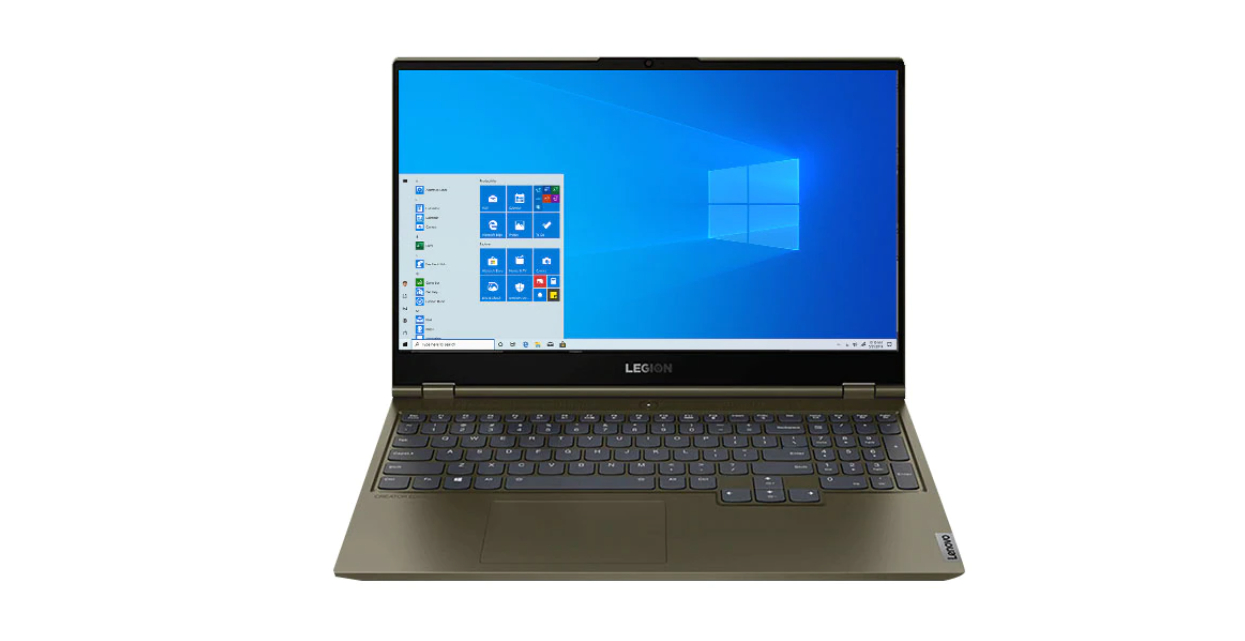
Download Windows 10 ISO And Keep It Safe
A Windows disk is good to have if you ever need to reinstall the Operating System following a system crash or hard drive upgrade.
Even if you do not plan on using the disk, you should consider visiting the site and getting your copy while you have the chance. Download and burn the file as an ISO image and keep it in a safe place for future use.
Not sure how to install Windows?, consider having Best Computer Repair do it for you.
If you enjoyed reading this post on “Augmented Reality in Computer Repair“ or if it helped you in any way, please feel free to show your support by giving us a share or a like.
It would mean a lot to us!… Still unsure about something?
Then consider giving us a chance to help you decide the best course of action for your situation, along with what would best meet your requirements.
We are highly flexible with a no fix no fee policy, one of the leading computer repair specialists, plus custom-built PC/server build, cybersecurity experts in Bridgend covering the whole of South Wales, U.K.
Book your FREE no-obligation quote today!
Our normal service area is Bridgend, however, we also cover Swansea, Port Talbot, Bryncethin, Sarn, Ogmore Vale, Maesteg, Llantwit Major, Cowbridge, Barry, Penarth, Dinas Powys, Cardiff, Newport.
Best Computer Repair Bridgend plus South Wales, U.K. also offer worldwide remote support, virus removal, or even custom-built gaming PCs.
We work with competitive rates, contactless payment, free delivery, along with a friendly, professional service that can’t be compared anywhere else in the IT Services industry.
Why not contact us today here or say hello in the live chat at the bottom right of the page.
Thank you for reading, plus have a wonderful week! 🙂
To our continued health plus success
Eric Luis – CEO Best Computer Repair –
Bridgend and South Wales, U.K.


POST REPLY