
In the ever-evolving landscape of technology, the quest for optimal performance is a journey many embark upon. Whether you are a passionate gamer seeking to conquer virtual realms or a professional for efficiency in demanding AI drriven applications, custom hardware upgrades can be the key to unlocking your system’s full potential.
This blog post will delve into the intricacies of custom hardware upgrades, exploring how they can be tailored to meet specific user needs, such as gaming or professional applications.
>>>Related post: Future-Proofing Your Gaming PC: Planning for Upgrades Plus Compatibility<<<
Comprehending Custom Hardware Upgrades
Custom hardware upgrades refer to the process of enhancing a computer’s capabilities by replacing or adding components based on individual requirements.
Unlike off-the-shelf solutions that offer generic specifications, custom upgrades allow users to select parts that align with their unique usage scenarios.
This personalization not only optimizes performance but also extends the lifespan of the system.
The Importance of Tailoring Upgrades
The significance of tailoring hardware upgrades cannot be overstated.
In an age where technology is ubiquitous plus user demands vary widely, a one-size-fits-all approach simply does not suffice.
For instance, gamers require high-performance graphics cards and fast processors to ensure smooth gameplay, while professionals working with resource-intensive applications like video editing or 3D rendering require robust CPUs and ample RAM.
By understanding the specific needs of different user groups, we can better appreciate why custom hardware upgrades are essential.
Gaming: A World of Immersive Experiences
The Gamer’s Dilemma
Imagine this: you’ve just purchased the latest blockbuster game that promises stunning graphics and immersive gameplay.
You eagerly install it on your computer, only to find that your system struggles to keep up with the demands.
Frustration sets in as you experience lagging frames and stuttering visuals, an all-too-common scenario for gamers who neglect proper hardware configurations.
Key Components for Gamers
To avoid such pitfalls, gamers must focus on several critical components when considering custom hardware upgrades:
- Graphics Card (GPU): The heart of any gaming rig lies in its GPU. A powerful graphics card is essential for rendering high-quality visuals at impressive frame rates. For example, NVIDIA’s RTX series offers real-time ray tracing capabilities that enhance realism in games.
- Processor (CPU): While GPUs handle graphics processing, CPUs manage overall system performance. A multicore processor ensures smooth multitasking and faster load times, crucial for online gaming where every millisecond counts.
- Memory (RAM): Sufficient RAM is vital for seamless gameplay and quick loading times. Gamers should aim for at least 16 GB of RAM to accommodate modern titles without hiccups.
- Storage Solutions: Traditional hard drives may hinder performance due to slower read/write speeds. Upgrading to a Solid State Drive (SSD) significantly reduces load times and enhances overall responsiveness.
- Cooling Systems: High-performance components generate heat; thus, effective cooling solutions are necessary to maintain optimal temperatures during intense gaming sessions.
Best Computer Repair Recommended Real-World Example: Building a Gaming PC
Let’s consider an example of a gamer named Alex who wants to build a custom gaming PC capable of running AAA titles at ultra settings:
- GPU: Alex opts for an NVIDIA GeForce RTX 3080.
- CPU: He chooses an AMD Ryzen 7 5800X.
- RAM: Alex installs 32 GB DDR4 RAM.
- Storage: He incorporates a 1 TB NVMe SSD.
- Cooling: To keep temperatures in check, he invests in an all-in-one liquid cooler.
With these carefully selected components tailored to his gaming needs, Alex experiences unparalleled performance and immersion in his favourite games.
Professional Applications: Efficiency Meets Power
The Professional’s Challenge
In contrast to gamers seeking entertainment, professionals often require systems optimized for productivity and efficiency. Whether it’s graphic design, software development, or data analysis, having the right hardware can make all the difference between success and frustration.
Essential Components for Professionals
When upgrading hardware for professional applications, users should consider:
- Processor (CPU): Professionals benefit from high core counts and clock speeds that facilitate multitasking and heavy computations, Intel’s Core i9 or AMD’s Thread ripper series are excellent choices.
- Memory (RAM): For tasks like video editing or running virtual machines, having 32 GB or more RAM allows professionals to work seamlessly across multiple applications without slowdowns.
- Graphics Card (GPU): While not always as curtain gaming setups, certain professions like video editing or CAD modelling require powerful GPUs capable of accelerating rendering tasks.
- Storage Solutions: Fast storage options are crucial for professionals dealing with large files, SSDs provide speed while RAID configurations can enhance redundancy and performance.
- Monitors: High-resolution monitors with accurate colour reproduction are essential for graphic designers and photographers who need precise visual representation.
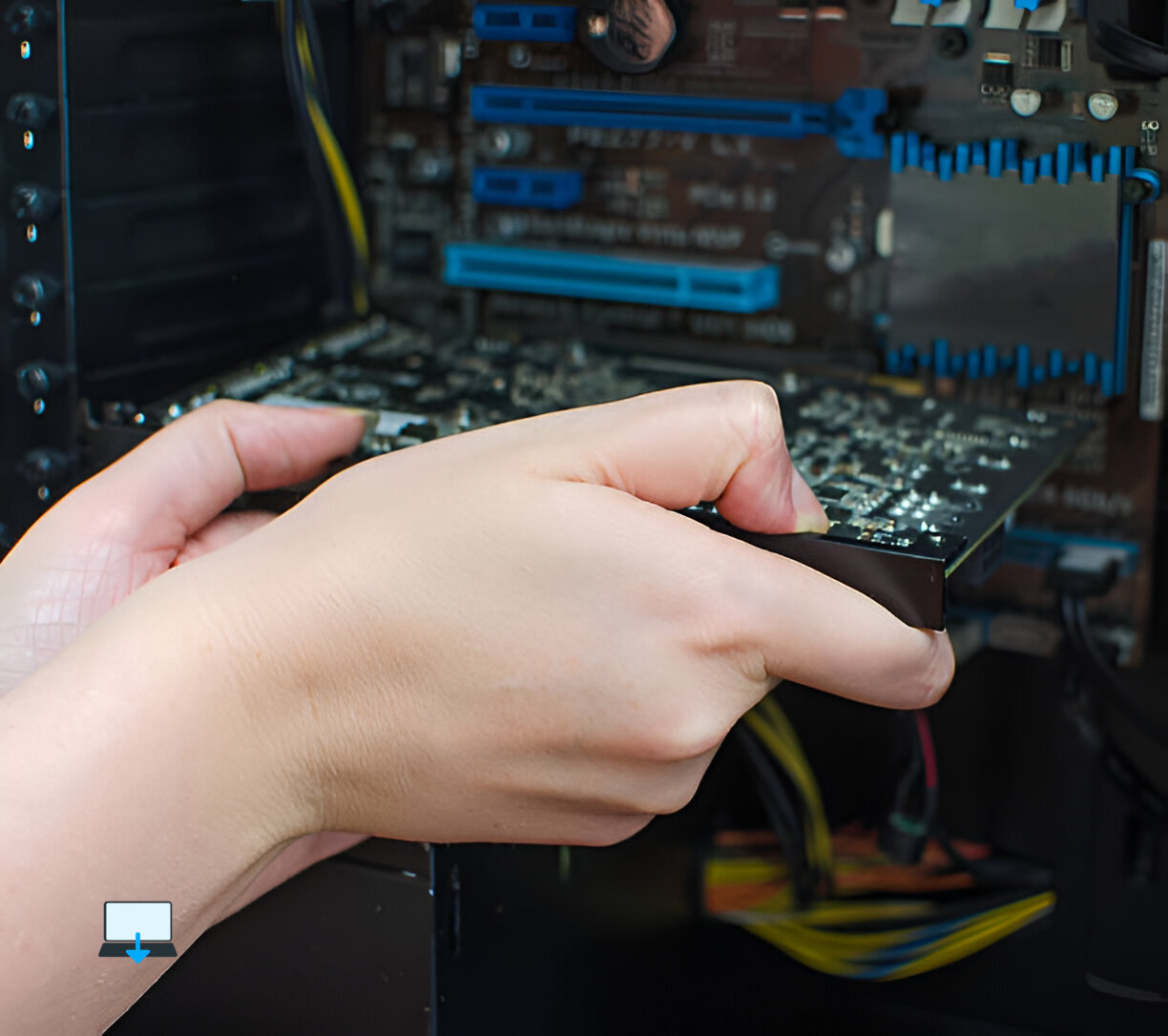
Best Computer Repair Example: Optimizing a Workstatio
Consider Sarah, a graphic designer looking to upgrade her workstation:
- CPU: She selects an Intel Core i7-11700K.
- RAM: Sarah installs 64 GB DDR4 RAM.
- GPU: She opts for an NVIDIA GeForce RTX 3060 Ti.
- Storage: Sarah uses both a 2 TB SSD for active projects and an additional HDD for archiving older work.
- Monitor: She invests in a 27-inch 4K monitor with excellent colour accuracy.
With these tailored upgrades focused on her professional needs, Sarah finds herself working more efficiently than ever before, her creativity flows unhindered by technical limitations.
Balancing Performance with Budget Considerations
While customizing hardware upgrades offers significant advantages tailored to specific needs, budget constraints often play a pivotal role in decision-making processes.
Striking a balance between desired performance levels and financial feasibility requires careful consideration:
- Prioritize Components:
- Identify which components will yield the most noticeable improvements based on usage patterns.
- For gamers focusing primarily on graphics-intensive titles may prioritize GPU over CPU initially; conversely, professionals might invest first in CPU/RAM combinations depending on their workload demands.
- Research Compatibility:
- Ensure compatibility among chosen components; utilizing resources like PCPartPicker can help avoid costly mistakes during assembly phases by flagging incompatibilities upfront before purchase decisions are made!
- Consider Future-Proofing Options:
- Investing slightly more upfront into higher-tier products may save money down-the-line if they remain relevant longer than lower-end alternatives which could necessitate replacements sooner due to increased obsolescence rates associated with rapid technological advancements!
4. Utilize Sales & Discounts:
- Keep an eye out during seasonal sales events such as Black Friday/Cyber Monday where discounts abound, allowing savvy shoppers access premium products at reduced prices!
5 . DIY vs Pre-Built Systems:
- Weighing pros/cons between building one’s own rig versus purchasing pre-built systems from manufacturers can lead towards significant savings if done correctly!
Conclusion
Custom hardware upgrades represent an invaluable opportunity for users across various domains, from gamers yearning for peak performance during intense battles against foes online, to professionals striving towards enhanced productivity within demanding workflows!
By tailoring these custom hardware upgrades according to individual requirements rather than settling upon generic solutions available off-the-shelf; users unlock new potentials previously thought unattainable!
Eric Luis — CEO — Best Computer Repair
As technology continues evolving rapidly; staying informed about latest trends/components becomes paramount, ensuring optimal experiences whether playing games or tackling complex projects alike!
So take charge today, embark upon your own journey towards customization, and witness firsthand how transformative these upgrades truly can be!
>>>Related post: Future-Proofing Your Gaming PC: Planning for Upgrades Plus Compatibility<<<
If you enjoyed reading this post on “Custom Hardware Upgrades: Tailoring The Best Upgrades Based on Specific User Needs“ or if it helped you in any way, please feel free to show your support by giving us a share or a like.
It would mean a lot to us!… Still unsure about something?
Then consider giving us a chance to help you decide the best course of action for your situation, along with what would best meet your requirements.
We are highly flexible with a no fix no fee policy, one of the leading computer repair specialists, plus custom-built PC/server build, cybersecurity experts in Bridgend covering the whole of South Wales, U.K.
Book your FREE no-obligation quote today!
Our normal service area is Bridgend, however, we also cover Swansea, Port Talbot, Bryncethin, Sarn, Ogmore Vale, Maesteg, Llantwit Major, Cowbridge, Barry, Penarth, Dinas Powys, Cardiff, Newport.
Best Computer Repair Bridgend plus South Wales, U.K. also offer worldwide remote support, virus removal, or even custom-built gaming PCs.
We work with competitive rates, contactless payment, free delivery, along with a friendly, professional service that can’t be compared anywhere else in the IT Services industry.
Why not contact us today here or say hello in the live chat at the bottom right of the page.
Thank you for reading, plus have a wonderful week! 🙂
To our continued health plus success
Eric Luis – CEO Best Computer Repair –
Bridgend and South Wales, U.K.


POST REPLY