
As smart home technology continues to evolve plus integrate into our daily lives, the convenience smart devices offer is often accompanied by their own set of challenges.
From connectivity issues to integration problems, troubleshooting smart devices can be daunting for many users.
This blog post aims to provide an in-depth guide on common issues faced with smart devices and practical solutions to resolve them.
By comprehending these challenges, users can enhance their experience with smart technology and ensure their homes are as efficient and user-friendly as possible.
>>>Related post: What Are Smart Tablet Computers?<<<
In recent years, the rise of smart devices has transformed the way we interact with our homes.
From smart thermostats that learn our preferences to voice-activated assistants that manage our schedules, these technologies promise unprecedented convenience.
However, like any technology, they are not without their flaws.
Users typically encounter various issues that can hinder the seamless experience promised by these devices.
This comprehensive guide will explore common issues associated with smart devices, plus provide actionable troubleshooting steps to help users overcome these obstacles.
Whether you’re dealing with connectivity issues or integration challenges, this post will equip you with the knowledge needed to maintain a smooth-running smart home.
Understanding Smart Device
Before diving into troubleshooting techniques.
It’s essential to understand what constitutes a “smart device.”
Smart devices are electronic gadgets that connect to the internet or other networks, allowing for remote management and automation of tasks.
Examples include:
- Smart Speakers: Devices like Amazon Echo or Google Home that respond to voice commands.
- Smart Thermostats: Such as Nest or Ecobee, which adjust heating and cooling based on user behaviour.
- Smart Lights: LED bulbs that can be controlled via smartphone apps or voice commands.
- Smart Security Cameras: Cameras that offer real-time monitoring through mobile applications.
These devices rely heavily on stable internet connections plus compatibility with other systems within the home environment.
Common Issues with Smart Devices
1. Connectivity Problems
One of the most frequent issues users face is connectivity problems.
Smart devices depend on Wi-Fi networks for functionality; thus, any disruption in service can lead to frustration.
Causes:
- Weak Wi-Fi signal
- Network congestion
- Incorrect network settings
Best Computer Repair Solutions:
- Check Wi-Fi Signal Strength: Ensure your device is within range of your router. If necessary, consider using Wi-Fi extenders or mesh networks to improve coverage.
- Restart Your Router: Sometimes a simple restart can resolve connectivity issues. Unplug your router for about 30 seconds before plugging it back in.
- Update Firmware: Ensure both your router and smart device have the latest firmware updates installed. Manufacturers often release updates that fix bugs related to connectivity.
2. Integration Issues
Many users invest in multiple smart devices from different manufacturers but find them challenging to integrate seamlessly.
Causes:
- Incompatibility between brands
- Outdated software versions
Best Computer Repair Solutions:
- Use Compatible Hubs: Consider using a central hub (like Samsung SmartThings) that supports multiple brands and protocols (Zigbee, Z-Wave).
- Regular Software Updates: Keep all devices updated to ensure they work well together. Check manufacturer websites for compatibility lists and update instructions.
3. Device Not Responding
Sometimes smart devices may become unresponsive due to various reasons ranging from software glitches to hardware failures.
Causes:
- Software bugs
- Power supply issues
Best Computer Repair Solutions:
- Power Cycle Your Device: Unplugging your device for a few moments before plugging it back in can reset its internal processes.
- Factory Reset: If power cycling doesn’t work, consider performing a factory reset according to the manufacturer’s instructions—this will erase all settings but may restore functionality.
4. Voice Command Failures
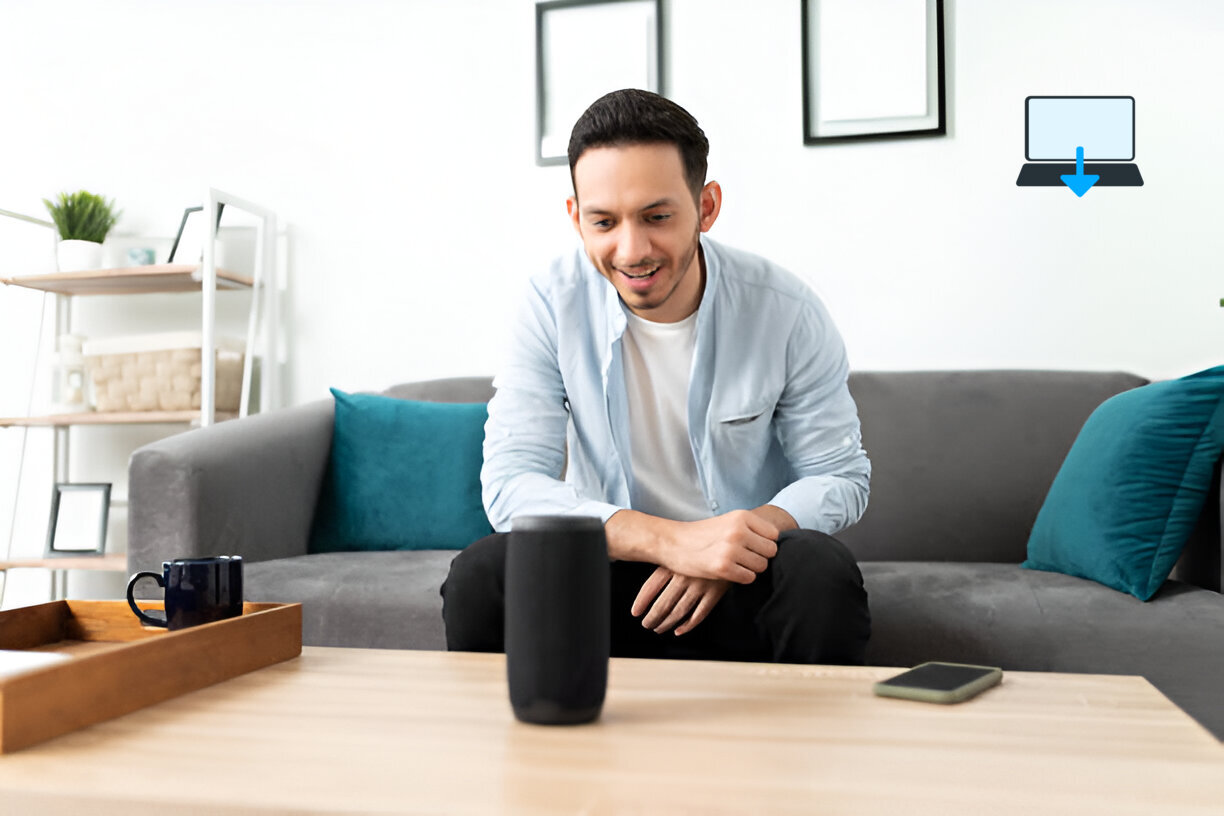
Voice-controlled devices may not always respond as expected due to misinterpretation of commands or background noise interference.
Causes:
- Poor microphone sensitivity
- Background noise
Best Computer Repair Solutions:
- Optimize Placement: Place your smart speaker in an area free from excessive noise and away from walls that might reflect sound waves.
- Train Your Device: Many voice assistants allow users to train them by repeating specific phrases—take advantage of this feature for better recognition accuracy.
5. App Malfunctions
The companion apps used for controlling smart devices may also encounter issues such as crashing or failing to connect properly.
Causes:
- Outdated app version
- Conflicts with other applications
Best Computer Repair Solutions:
- Update Your App: Regularly check for updates in your app store; developers frequently release patches addressing known bugs.
- Clear Cache/Data: For Android users, clearing cache/data can resolve many app-related issues without needing a complete reinstallation.
Best Computer Repair Practices for Maintaining Smart Devices
To minimize future troubleshooting needs, consider implementing these best practices:
- Regular Updates: Always keep your device firmware and companion apps updated.
- Secure Your Network: Use strong passwords and enable WPA3 encryption if available.
- Monitor Device Performance: Regularly check how each device performs; if one consistently fails, it may need replacement.
- Educate Yourself on Compatibility: Before purchasing new devices, research their compatibility with existing systems in your home.
- Utilize Customer Support Resources: Don’t hesitate to reach out for help from manufacturers’ customer support when required, they often have extensive resources available online.
Conclusion
Troubleshooting common issues with smart devices doesn’t have to be an overwhelming task.
Comprehending potential problems plus knowing how best to address them can significantly enhance your experience with these technologies.
As we continue embracing advancements in home automation, being proactive about maintenance will ensure our homes remain efficient plus offer enjoyable spaces filled with convenience rather than frustration with our smart devices.
Eric Luis — CEO — Best Computer Repair.
By following the guidelines outlined above, addressing connectivity issues, resolving integration challenges, plus managing unresponsive devices effectively.
You’ll be well-equipped to handle any hiccups along the way while enjoying all the benefits that come from living in a smarter home environment.
>>>Related post: What Are Smart Tablet Computers?<<<
If you enjoyed reading this post on “Troubleshooting Common Issues with Smart Devices“ or if it helped you in any way, please feel free to show your support by giving us a share or a like.
It would mean a lot to us!… Still unsure about something?
Then consider giving us a chance to help you decide the best course of action for your situation, along with what would best meet your requirements.
We are highly flexible with a no fix no fee policy, one of the leading computer repair specialists, plus custom-built PC/server build, cybersecurity experts in Bridgend covering the whole of South Wales, U.K.
Book your FREE no-obligation quote today!
Our normal service area is Bridgend, however, we also cover Swansea, Port Talbot, Bryncethin, Sarn, Ogmore Vale, Maesteg, Llantwit Major, Cowbridge, Barry, Penarth, Dinas Powys, Cardiff, Newport.
Best Computer Repair Bridgend plus South Wales, U.K. also offer worldwide remote support, virus removal, or even custom-built gaming PCs.
We work with competitive rates, contactless payment, free delivery, along with a friendly, professional service that can’t be compared anywhere else in the IT Services industry.
Why not contact us today here or say hello in the live chat at the bottom right of the page.
Thank you for reading, plus have a wonderful week! 🙂
To our continued health plus success
Eric Luis – CEO Best Computer Repair –
Bridgend and South Wales, U.K.


POST REPLY