
As a gamer, you know that the world of gaming is constantly evolving. New technologies, new games, plus new hardware are being released at an incredible pace. Hence, this is why Future-Proofing your gaming PC is important.
It’s no secret, with our 25 plus years experience in the IT sector, we know a thing or two when it comes to future-proofing.
In this blog post, we will explore some strategies for future-proofing your gaming PC, including planning for upgrades along with compatibility.
>>>Related post: Guide: What Makes a Good Gaming PC<<<
Understanding the Importance of Future-Proofing
Before we dive into the specifics of future-proofing your gaming PC, it’s significant to understand why it’s so significant.
Simply put, future-proofing your gaming PC means ensuring that your system will be able to handle the latest games along with technologies as they are released.
This will save you money in the long run by avoiding the need for frequent upgrades, plus allows you to play the latest games at the highest graphics settings.
Additionally, future-proofing your gaming PC can help to extend the life of your system, allowing you to continue playing your favourite games for years to come.
Planning for Upgrades
One of the key strategies for future-proofing your gaming PC is to plan for upgrades.
This means considering the potential upgrades that you may need in the future, then planning your system accordingly.
Best Computer Repair example: If you know that a new game is going to be released that requires a specific graphics card, you may want to plan for that upgrade before the game is released.
This can help you avoid the need for a last-minute upgrade, which can be expensive plus may not be compatible with your existing system.
Another important aspect of planning for upgrades is to consider the compatibility of your system.
This means ensuring that any upgrades you make will be compatible with your existing hardware along with software when you do upgrade.
Best Computer Repair example: If you plan to upgrade your graphics card, you will need to make sure that it is compatible with your motherboard plus power supply.
This can help you avoid the need for additional upgrades or the need to replace existing hardware.
Choosing the Right Hardware
When it comes to future-proofing your gaming PC, the hardware you choose is crucial.
This is because the hardware you decide will determine the performance plus capabilities of your system.
When choosing hardware, it’s important to consider the following factors:
1. Processor
The processor is the brain of your gaming PC, it is responsible for handling all the calculations plus the processing required for gaming.
When deciding a processor, look for one that has a high clock speed plus multiple cores.
This will help ensure that your system can handle the latest games and technologies.
For more info on CPU’s check-out my previous post here about CPU virtualization.
2. Graphics Card
The graphics card is responsible for rendering the graphics along with the visual effects in your games.
When deciding a graphics card, look for one that has a high amount of video memory combined with a high GPU clock speed.
This will help ensure that your system can handle the latest graphics-intensive games.
More on graphics card here plus how to figure out if It’s faulty or not.
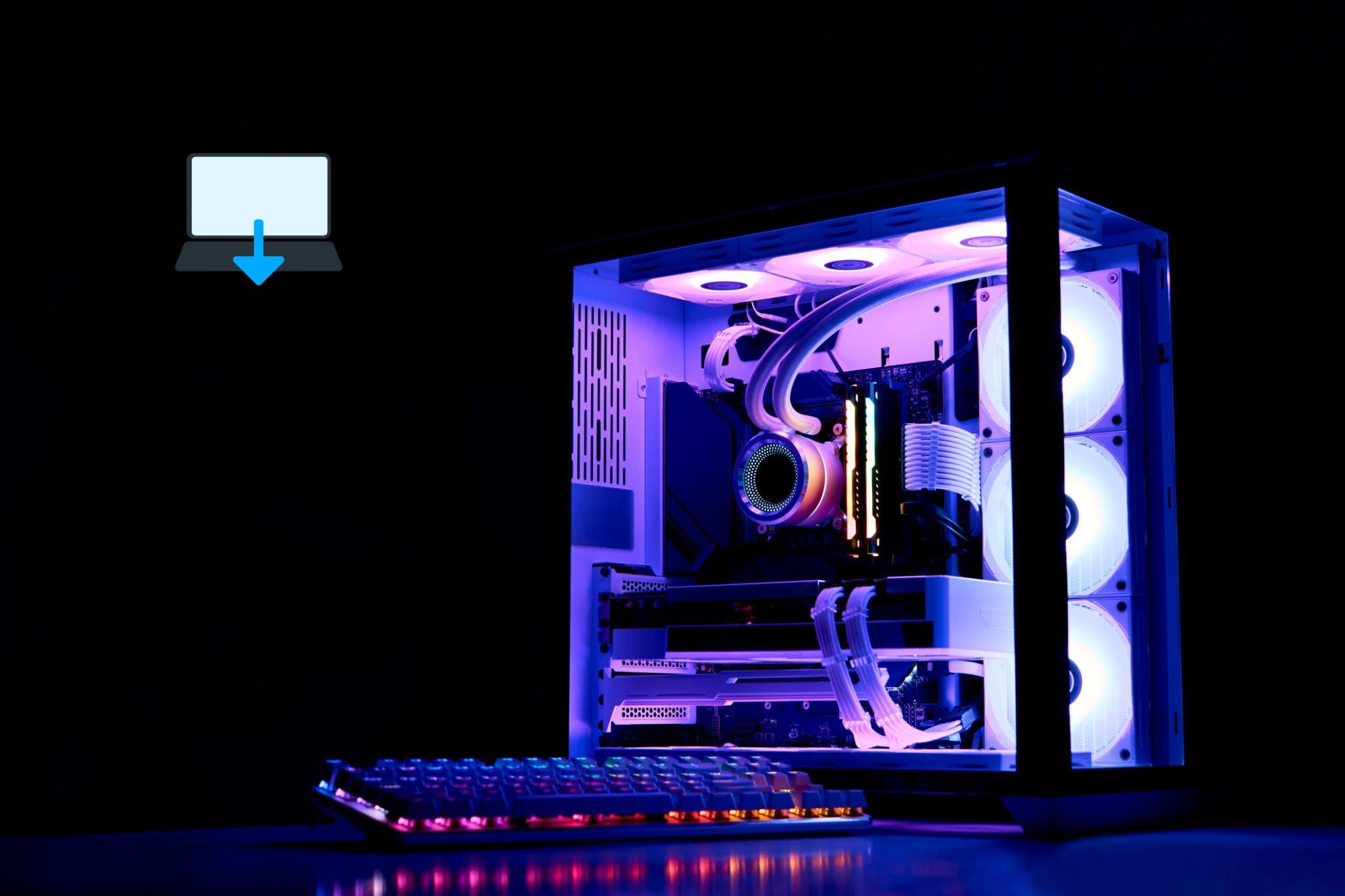
3. RAM
RAM, or random access memory, is the temporary storage used by your system to handle tasks and applications.
When choosing RAM, look for a high amount of memory combined with a high speed.
This will help ensure that your system can handle multiple tasks at once, plus effortlessly provide smooth performance.
For our complete guise on RAM, check out my previous blog post here
4. Storage
Storage is the permanent storage used by your system to store files plus applications.
When choosing storage, look for a high amount of storage to suit your needs combined with a fast read along with write speed.
This will help ensure that your system can handle large games plus applications.
More info on hard drives along with their failures here
5. Motherboard
The motherboard is the main circuit board of your gaming PC, it connects all the hardware together.
When deciding a motherboard, look for one that is compatible with your hardware, has a high amount of USB ports, plus consider other connectivity options to suit your needs such as the amount of USB’s.
More info on motherboards here, plus how you can test them without a CPU. (Extremely helpful in the build process)
6. Power Supply
The power supply is responsible for providing power to all the hardware in your gaming PC.
When selecting a power supply, look for one that has a high wattage, plus one that is compatible with your hardware.
More on PSU’s in our previous post here
7. Case
The case is the outer casing of your gaming PC, it protects all the hardware inside plus provides airflow.
When choosing a case, look for one that is well-ventilated plus has plenty of room for expansion.
More on choosing the best PC case here
8. Cooling System
A good cooling system is essential for keeping your gaming PC running smoothly plus preventing overheating.
When deciding a cooling system, look for one that has a high airflow and is compatible with your hardware.
Conclusion
Future-proofing your gaming PC is essential for ensuring that your system will be able to handle the latest games along with technologies.
By planning for upgrades plus selecting the right hardware, you can ensure that your system will be able to handle whatever the future of gaming throws at it.
Remember to consider the importance of compatibility, plus decide hardware that is well-suited to your needs.
With these strategies in mind, you can ensure that your gaming PC will be able to handle the latest games along with technologies for years to come.
>>>Related post: Guide: What Makes a Good Gaming PC<<<
If you enjoyed reading this post on “Future-Proofing Your Gaming PC: Planning for Upgrades and Compatibility“ or if it helped you in any way, please feel free to show your support by giving us a share or a like.
It would mean a lot to us!… Still unsure about something?
Then consider giving us a chance to help you decide the best course of action for your situation, along with what would best meet your requirements.
We are highly flexible with a no fix no fee policy, one of the leading computer repair specialists, plus custom-built PC/server build, cybersecurity experts in Bridgend covering the whole of South Wales, U.K.
Book your FREE no-obligation quote today!
Our normal service area is Bridgend, however, we also cover Swansea, Port Talbot, Bryncethin, Sarn, Ogmore Vale, Maesteg, Llantwit Major, Cowbridge, Barry, Penarth, Dinas Powys, Cardiff, Newport.
Best Computer Repair Bridgend plus South Wales, U.K. also offer worldwide remote support, virus removal, or even custom-built gaming PCs.
We work with competitive rates, contactless payment, free delivery, along with a friendly, professional service that can’t be compared anywhere else in the IT Services industry.
Why not contact us today here or say hello in the live chat at the bottom right of the page. Thank you for reading, plus have a wonderful week! 🙂
To our continued health plus success
Eric Luis – CEO Best Computer Repair –
Bridgend and South Wales, U.K.


POST REPLY