
It can be devastating to lose even a fraction of your data. It’s easy to re-download things like games, but other files, like family photos, can’t be replaced. Hard drive failure is often the cause of losing files. Some problems seem to come out of nowhere, unrelated to anything you’ve done with your computer lately!
The failure or malfunction of hard disk drives is typically the cause of common computer issues, such as crashing and slowdowns.
Hard disk issues can be handled even without being a computer technician.
It is usually possible to fix most typical hard disk issues without spending too much time on them.
Here are some common hard disk issues and how to troubleshoot them.

Is your computer free of malware?
Probably the second most common troubleshooting tip you’ve heard, after “have you turned the system off and on again?”.
Infecting your hard disk with malware can be disastrous. In some cases, it can even cause physical damage!
It can cause file corruption, performance slowdowns, and even crashing!
>>>Related Post: Reasons To Upgrade To An SSD Drive<<<
Installing antivirus software and scanning your computer immediately is, of course, the first crucial step.
Try using the built-in software of your operating system if you are unable to install third-party software.
Mac users can use X protect, and PC users can use Windows Defender.
In order to prevent hard disk failure caused by viruses, you should be proactive and make sure that you protect yourself from malware.
Disk Decongestion
When you constantly use your hard drive, you’ll be surprised how easily it becomes congested.
You may experience computer or laptop PC slowdowns if your disk is more than a little clogged.
You should uninstall unwanted programs, delete old files, and run your OS’ disk clean-up tool.
In some cases, however, you may discover that the failure of your hard drive disk is caused by disk fragmentation, a side effect of the data storage process.
As a result of fragmentation, your files are broken up and spread across your drive, which increases load times.
Defragmenting programs can be found on Windows by searching “defrag” and selecting “Defragment and Optimize Drives.”
Mac users will need to download third-party software.

Error Message Navigation
File corruption, slowdowns, and crashes aren’t always signs of hard drive failure.
A strange string of letters and numbers may appear in an error message when you attempt to load a file or access the drive.
As these messages can mean a wide variety of things, you should always try to identify the problem by entering the error code into a search engine.
You can also try troubleshooting manually if you do not find the answers you’re looking for.
Some common issues include bad sectors, issues with physical connections, and potential drive issues.
Run a diagnostic on your drives to check for any software issues.
Computer or Laptop PC users of Windows can access “error checking” from the drive’s properties menu (under tools), while Mac users can use the First Aid feature in their Disk Utility app.
You might want to try updating your hard disk’s drivers if this doesn’t work. Windows drives can be configured through the properties menu or by updating your Mac’s software.
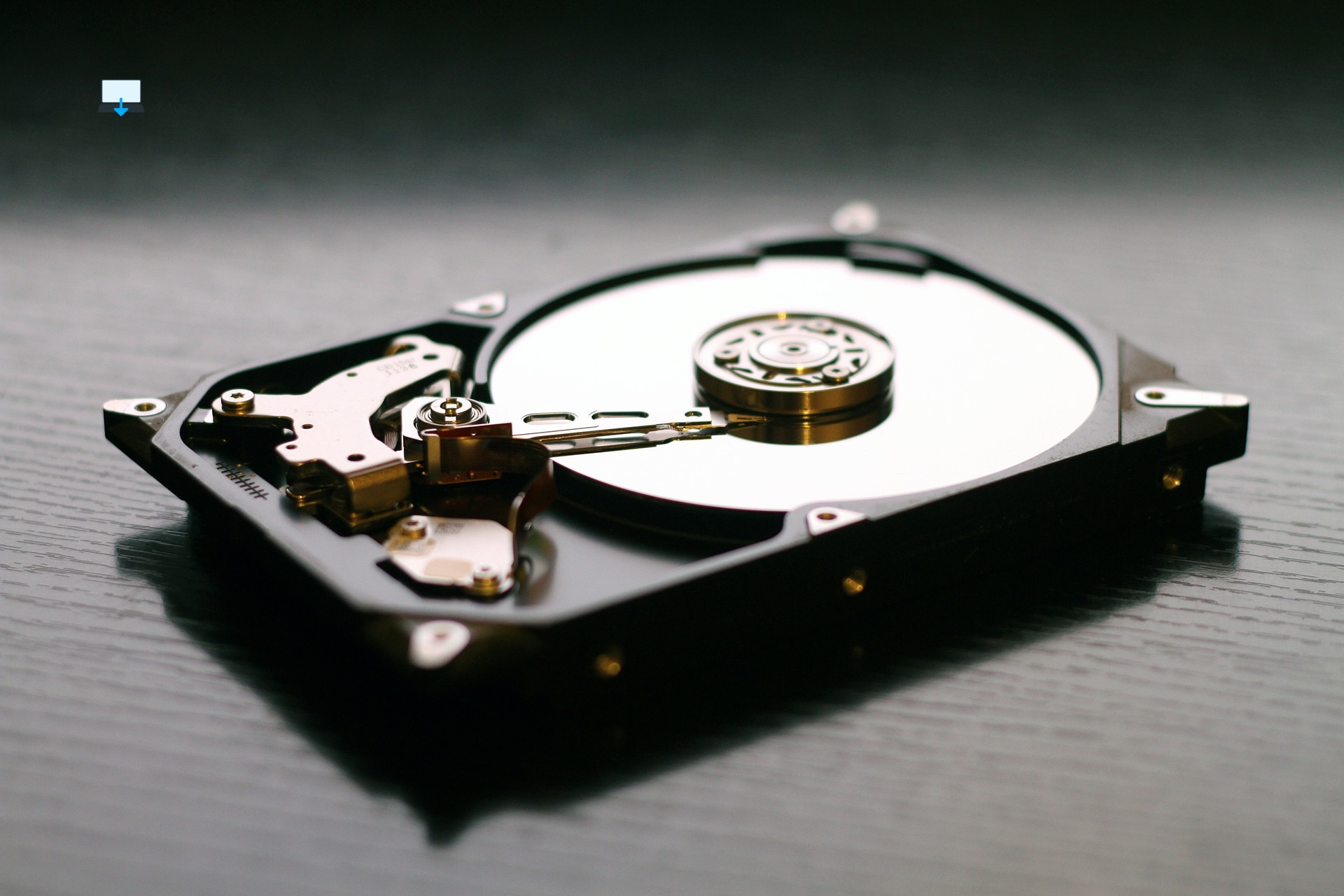
Identifying physical problems
There is a possibility that error messages and other common issues are indicative of something physically wrong with your hard drive.
Some symptoms are directly related to something physically wrong, such as the sound your hard drive makes.
It is safe and methodical to investigate a physical hard drive failure if you believe it to exist.
Consider these factors, however, before proceeding.
- What is the age of your hard drive?
- Do you have repeat problems, or is this an isolated issue?
- Do you have a backup of your files?
The lifespan of a hard disk is limited, and they will eventually fail.
Your drive might be near its end if you’re experiencing repeat issues that don’t seem to resolve themselves, and issues are only multiplying.
You cannot save a dying drive; backup your files immediately and replace it as soon as possible.
Start by shutting down your computer or laptop PC and unplugging the power supply if you suspect it’s something other than age and wish to proceed with a physical inspection.
(Recommended for tower computers only, laptops aren’t made in the same way).
Check your drive connections once you’re inside to make sure they’re plugged in and secure.
You should make sure your cooling system is installed and working correctly, and that your case is free of dust, using canned air if your computer gets too hot.
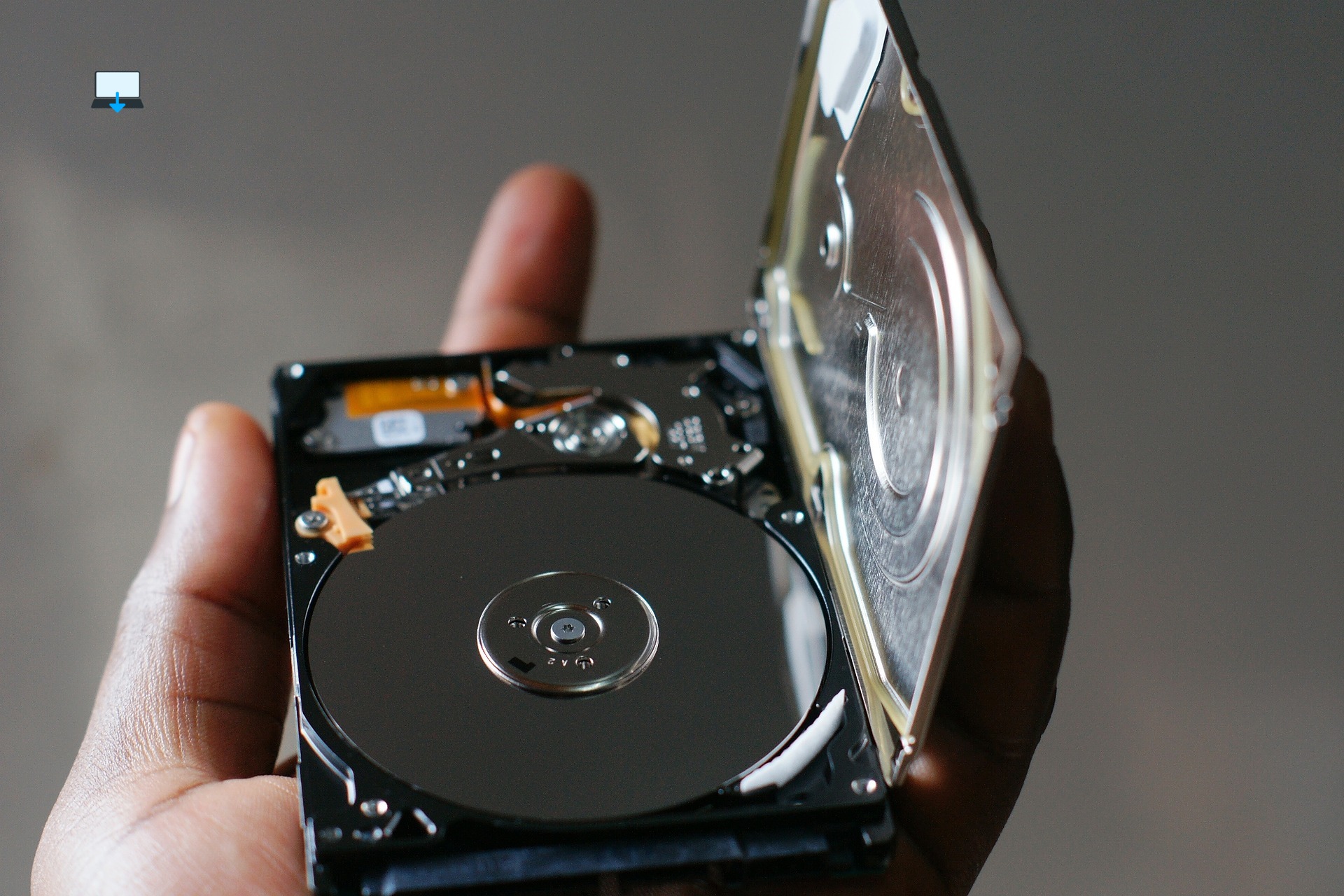
Hard drives are intricate and fragile, so if you can’t spot a problem right away, it’s best to leave them alone.
You can lose data and make your issues worse if you handle your hard drive improperly.
As a last resort, you can take your data recovery drive to a repair expert if your drive is physically damaged or suffering from ageing.
Do you need help with a failed hard drive?
It can be painful to lose access to your files suddenly due to hard drive failure.
If it’s not the long wait before your computer runs again, it’s the potential loss of photos, music, game saves, and much more!
If you’ve found yourself against the wall with hard drive failure in the Bridgend, South Wales, U.K. area, the expert staff of Best Computer Repair has you covered.
Our team has spent over 16 years servicing, building, and upgrading computers. Get in touch with us today!
>>>Related Post: Reasons To Upgrade To An SSD Drive<<<
If you enjoyed reading this post on “Guide: Hard Drive Failure“ or if it helped you in any way, please feel free to show your support by giving us a share or a like.
It would mean a lot to us!… Still unsure about something?
Then consider giving us a chance to help you decide the best course of action for your situation, along with what would best meet your requirements.
We are highly flexible with a no fix no fee policy, one of the leading computer repair specialists, plus custom-built PC/server build, cybersecurity experts in Bridgend covering the whole of South Wales, U.K.
Book your FREE no-obligation quote today!
Our normal service area is Bridgend, however, we also cover Swansea, Port Talbot, Bryncethin, Sarn, Ogmore Vale, Maesteg, Llantwit Major, Cowbridge, Barry, Penarth, Dinas Powys, Cardiff, Newport.
Best Computer Repair Bridgend plus South Wales, U.K. also offer worldwide remote support, virus removal, or even custom-built gaming PCs.
We work with competitive rates, contactless payment, free delivery, along with a friendly, professional service that can’t be compared anywhere else in the IT Services industry.
Why not contact us today here or say hello in the live chat at the bottom right of the page.
Thank you for reading, plus have a wonderful week! 🙂
To our continued health plus success
Eric Luis – CEO Best Computer Repair –
Bridgend and South Wales, U.K.


POST REPLY