
Windows 11 has been out for some time now, so some of us are now wondering “should I upgrade to Windows 11”? At least by now, other people have had a good chance to test and iron out bugs, like with any new operating system… right?
It is easy to see why Windows 11 is a huge step up from Windows 10, especially when you look at its design. In spite of this, you will soon discover that they are very similar under the hood.
Microsoft has rolled out the new OS even faster than expected, and it is now available on many computers.
Upgrade to Windows 11 is free
Those who were using Windows 8.1 or Windows 7 were eligible for a free upgrade to Windows 10. Anyone with Windows 10 can upgrade to Windows 11 for free.
Despite the ease of downloading and upgrading, there are some things to consider.
It has caused some controversy that the upgrade will only apply if your system meets the requirements. Particularly when it comes to TPM 2.0.
Surface devices or devices from our Microsoft’s partners program come with updates, but new devices don’t, but can be upgraded through Windows Update if they haven’t already.
>>>Related Post: The 9 Best Windows 11 Life Hacks<<<
Windows 11: Potential Bugs
You can also upgrade using the Installation Assistant if you prefer. Through the Windows Update, you can install Windows 11 on any PC. There is a possibility that you may run into some hardware issues if you do this, so Microsoft does not recommend doing so.
This including the dreaded “blue screen of death”. It is not recommended to use a registry tweak if your system is not compatible at all. Unless your system is certified for Windows 11, Microsoft will not support it, so you won’t receive critical security updates.
You don’t want these issues on your PC if you run a successful business. In spite of the fact that bugs can be daunting for business owners, it’s important to keep in mind that Windows 10 was not bug-free when it was released either.
There were a lot of device-breaking issues, which have since been fixed.
If You’re Not Satisfied, You Can Revert.
In the event that you upgrade to Windows 11, you should be able to revert to Windows 10 if you’re not satisfied with it. Your original software will be available for 10 days after you upgrade.
According to Microsoft, Windows 10 will be supported until 2025. While you’re downgrading, you’ll also need to do a clean install, which involves erasing all of your data.
Your desktop wallpaper will no longer sync, and the Math Input panel, along with Internet Explorer, are also gone.
OneNote and the 3D viewer are no longer available in a Windows 11 PC.
In addition, Skype and Paint are not included, but you can find them in the store and download them if they are essential to your business.
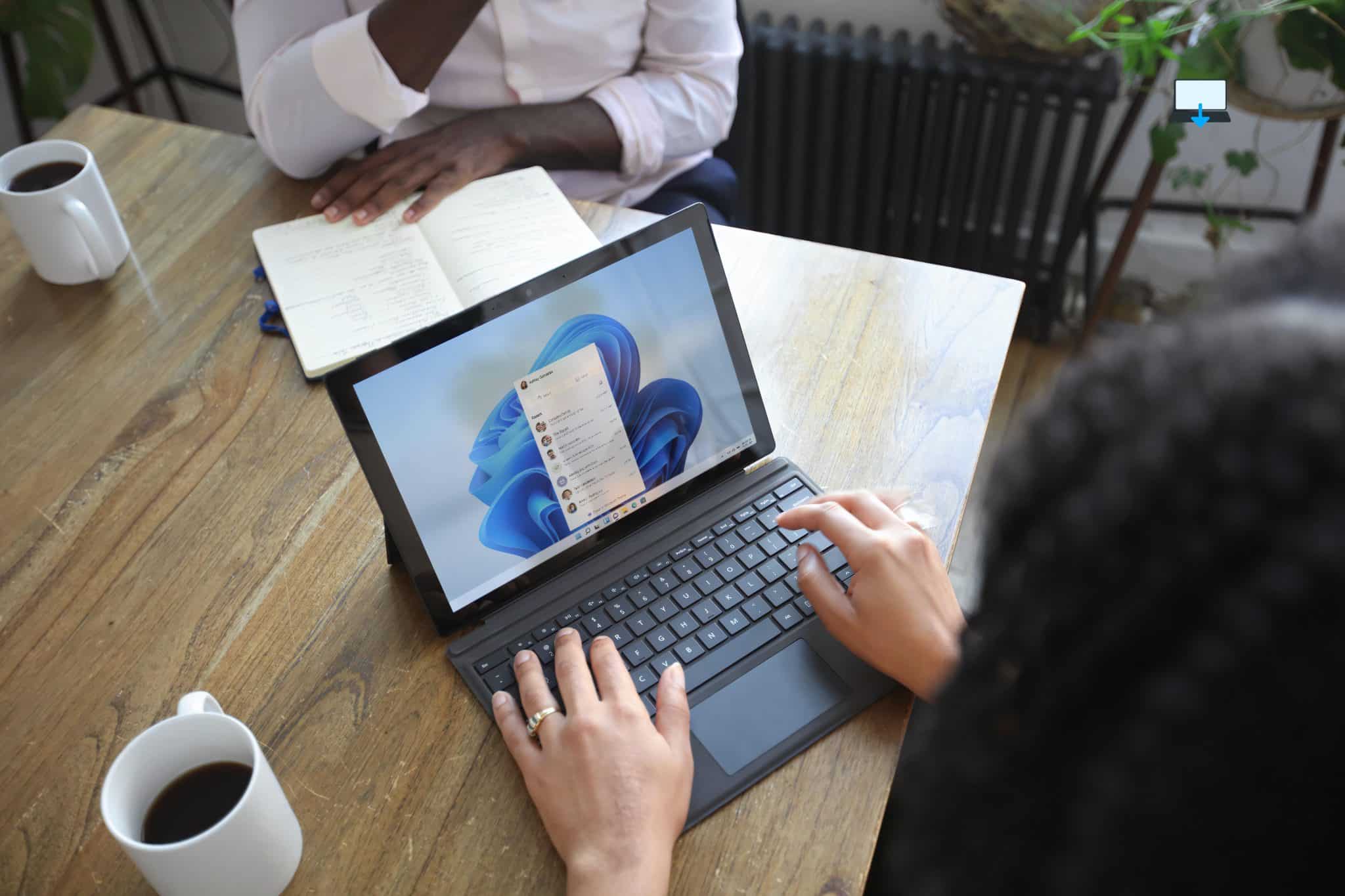
Windows 10 and Windows 11 Speed.
When you compare Windows 11 to Windows 10, you will soon see that it is much faster. Microsoft has talked about the speed of a computer and Windows 11’s ability to improve it.
A lot of the benefits stem from the fact that the new OS is able to handle system processes much more efficiently.
Additionally, Windows 11 works in memory management, meaning it favours the app that is currently open. Other performance upgrades include the fact that it changes the way that your computer resumes from sleep mode.
As long as everything is on standby, your Ram remains fully energized in Windows 11. How did it turn out? Well… you can now “wake up” a PC 25% faster from sleep. You should see additional benefits if you use Edge with this system also.
What Is The Cost Of Windows 11?
When Microsoft released Windows 10 in 2015, they offered the product as a free upgrade. Users were able to make the switch for a limited time only. However, some people have been forced to use older systems due to hardware constraints.
In general, Windows 11 costs about the same as its predecessor, and it is available to Windows 10 users as well. Newer computers are better suited to it.
Business computers running Windows 7 or Windows 8 can upgrade to Windows 10 for free right now, and Windows 11 is only available as a free upgrade for Windows 10 users.
Basically, you can switch from Windows 7 to Windows 11, but there are a few hurdles to overcome. You probably don’t need to upgrade your old system.
New systems can provide you with a faster, more powerful computer or laptop that can handle more programs, have a faster wake cycle, and handle internet browsing more efficiently.
By purchasing a retail licence, you can bypass Windows 10 if you are willing to pay for an upgrade from Windows 7 to Windows 11.
Should I Upgrade to Windows 11?
As a result, if you have an average business system, you should definitely upgrade to Windows 11.
Business, professional or gaming computer owners will find it faster, smoother, and ultimately a better option.
You might want to hold off upgrading if your system is older until you can upgrade to a more powerful one.
When the time comes for you to make that big, all-important decision, remember that this update is best suited for computers that are less than 5 years old.
There is no denying that Windows 11 is a powerhouse, and the updates have been designed with business owners, and people who juggle many applications, in mind.
>>>Related Post: The 9 Best Windows 11 Life Hacks<<<
If you enjoyed reading this post on “Should I Upgrade To Windows 11“ or if it helped you in any way, please feel free to show your support by giving us a share or a like.
It would mean a lot to us!… Still unsure about something?
Then consider giving us a chance to help you decide the best course of action for your situation, along with what would best meet your requirements.
We are highly flexible with a no fix no fee policy, one of the leading computer repair specialists, plus custom-built PC/server build, cybersecurity experts in Bridgend covering the whole of South Wales, U.K.
Book your FREE no-obligation quote today!
Our normal service area is Bridgend, however, we also cover Swansea, Port Talbot, Bryncethin, Sarn, Ogmore Vale, Maesteg, Llantwit Major, Cowbridge, Barry, Penarth, Dinas Powys, Cardiff, Newport.
Best Computer Repair Bridgend plus South Wales, U.K. also offer worldwide remote support, virus removal, or even custom-built gaming PCs.
We work with competitive rates, contactless payment, free delivery, along with a friendly, professional service that can’t be compared anywhere else in the IT Services industry.
Why not contact us today here or say hello in the live chat at the bottom right of the page.
Thank you for reading, plus have a wonderful week! 🙂
To our continued health plus success
Eric Luis – CEO Best Computer Repair –
Bridgend and South Wales, U.K.


POST REPLY