
Laptops have become an integral part of our lives, whether it’s for work, entertainment, or communication. However, like any electronic device, laptops are prone to developing issues over time.
In this article, we will discuss the five most common laptop problems, using my 25 plus years in the IT industry, I will try my best to provide practical solutions to fix them.
>>>Related post: 5 Common Computer Problems and How to Fix<<<
From troubleshooting a slow computer to resolving hardware issues, this guide will help you keep your laptop running smoothly.
Introduction:
Laptops have become an essential part of our daily routine.
Whether you use it for work, entertainment, or communication, a laptop is an invaluable tool that keeps us connected to the world.
However, like any electronic device, laptops are prone to developing issues over time. In this article, we will discuss the five most common laptop issues and how to fix them.
Problem 1: Slow Performance
One of the most common laptop issues is slow performance.
This can be caused by several factors, including too many applications running simultaneously, a full hard drive, outdated software or operating system, or malware.
Best Computer Repair Solution:
To fix a slow laptop, start by closing any unnecessary applications running in the background.
Next, clean up your hard drive by deleting any files or programs you no longer use. You can also free up space by transferring files to an external hard drive.
It’s also essential to keep your PC or laptop software and operating system up to date to ensure optimal performance.
Lastly, run a malware scan to identify and remove any malicious programs that may be slowing down your computer.
Problem 2: Overheating
Laptops generate a lot of heat, and if the cooling system is not functioning correctly, it can cause the laptop to overheat.
Overheating can damage the internal components and lead to hardware failure.
Best Computer Repair Solution:
To prevent overheating, make sure your laptop’s cooling system is functioning correctly. Keep the laptop on a flat surface and avoid using it on soft surfaces such as a bed or carpet.
Use a cooling pad to improve airflow and prevent overheating.
You can also clean the cooling fan and vents regularly to remove any dust or debris that may be blocking the airflow.
Problem 3: Battery Issues
Battery issues are another common problem with laptops. Over time, the battery’s capacity to hold a charge decreases, resulting in a shorter battery life.
This can be frustrating, especially if you need to use your laptop for an extended period without access to a power source.
Best Computer Repair Solution:
To extend your laptop’s battery life, reduce the screen brightness and turn off any unnecessary features such as Wi-Fi, Bluetooth, or the keyboard backlight.
You can also adjust the power settings to optimize battery usage. If your laptop’s battery is no longer holding a charge, consider replacing it with a new one.
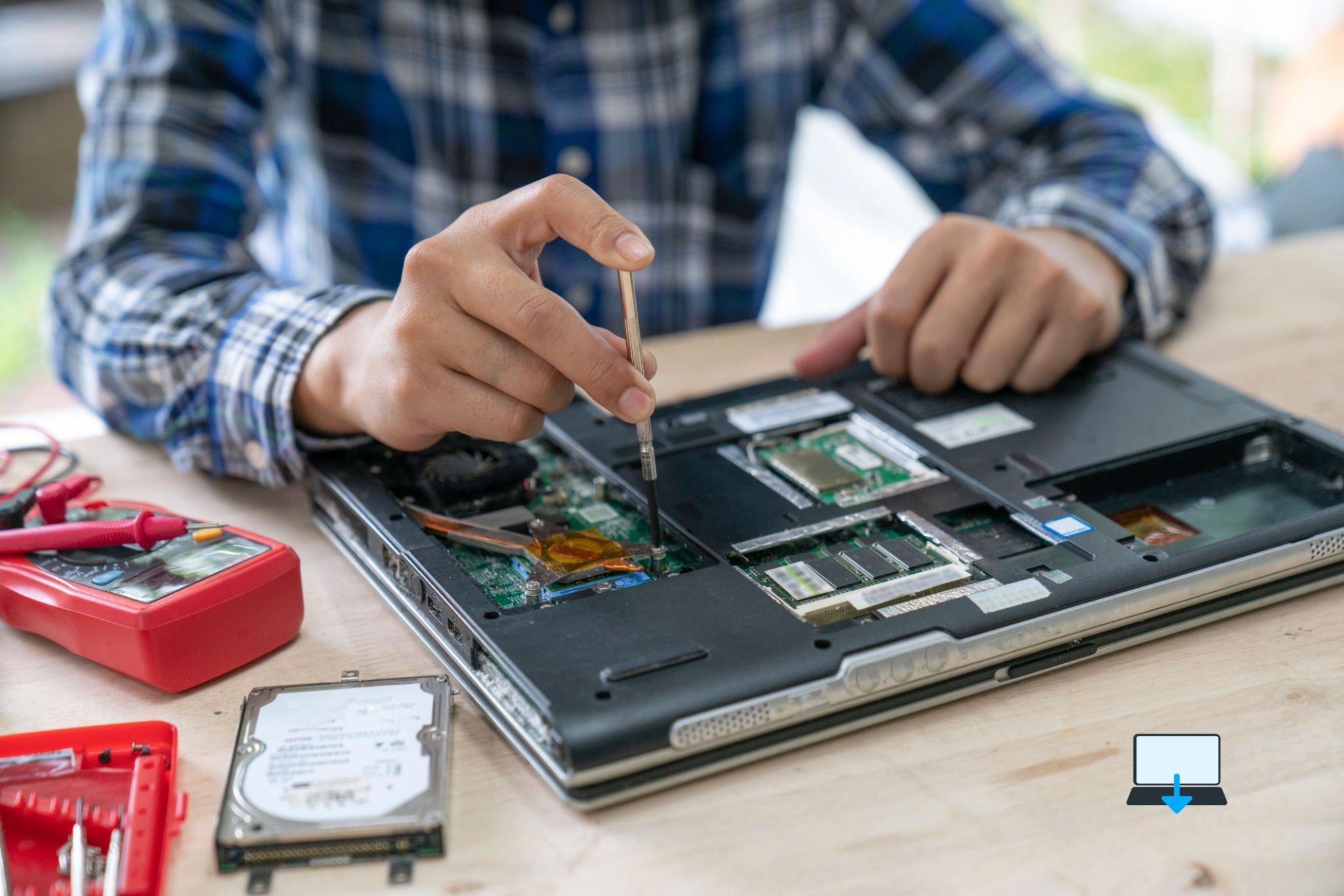
Problem 4: Hardware Issues
Hardware issues can range from a broken screen to a malfunctioning keyboard or touchpad. These issues can be frustrating and sometimes expensive to fix.
Best Computer Repair Solution:
If you experience any hardware issues with your laptop, the best course of action is to take it to a professional repair service.
Attempting to fix hardware issues on your own can lead to further damage. Professional technicians have the expertise and tools needed to diagnose and fix hardware issues effectively.
Problem 5: Wi-Fi Connectivity Issues
In today’s world, staying connected is essential, and if your laptop’s Wi-Fi is not functioning correctly, it can be frustrating.
Wi-Fi connectivity issues can be caused by several factors, including outdated drivers, incorrect network settings, or hardware issues.
Best Computer Repair Solution:
To fix Wi-Fi connectivity issues, start by resetting your laptop’s network settings. Next, ensure that your Wi-Fi drivers are up-to-date.
You can do this by going to the device manager and checking for any driver updates. If the issue persists, try restarting your router or modem.
If none of these solutions work, consider contacting your internet service provider to check for any network issues.
Conclusion
Laptop problems can be frustrating and affect your productivity. However, with proper maintenance and troubleshooting, you can fix most common laptop issues.
From slow performance to hardware issues, this guide has provided practical solutions to keep your laptop running smoothly.
Remember to keep your laptop’s software and hardware up to date, clean and maintain the cooling system, and seek professional help for any hardware issues.
By following these tips, you can extend the life of your laptop and avoid costly repairs.
>>>Related post: 5 Common Computer Problems and How to Fix<<<
If you enjoyed reading this post on “5 Common Laptop Problems and How to Fix“ or if it helped you in any way, please feel free to show your support by giving us a share or a like.
It would mean a lot to us!… Still unsure about something?
Then consider giving us a chance to help you decide the best course of action for your situation, along with what would best meet your requirements.
We are highly flexible with a no fix no fee policy, one of the leading computer repair specialists, plus custom-built PC/server build, cybersecurity experts in Bridgend covering the whole of South Wales, U.K.
Book your FREE no-obligation quote today!
Our normal service area is Bridgend, however, we also cover Swansea, Port Talbot, Bryncethin, Sarn, Ogmore Vale, Maesteg, Llantwit Major, Cowbridge, Barry, Penarth, Dinas Powys, Cardiff, Newport.
Best Computer Repair Bridgend plus South Wales, U.K. also offer worldwide remote support, virus removal, or even custom-built gaming PCs.
We work with competitive rates, contactless payment, free delivery, along with a friendly, professional service that can’t be compared anywhere else in the IT Services industry.
Why not contact us today here or say hello in the live chat at the bottom right of the page.
Thank you for reading, plus have a wonderful week! 🙂
To our continued health plus success
Eric Luis – CEO Best Computer Repair –
Bridgend and South Wales, U.K.


POST REPLY