
Everyone wants a computer that works without hassle, but speed along with performance can only be guaranteed by regular laptop maintenance.
Your PC or laptop may just need a bit of maintenance when it slows down, so do not discard it.
Your wallet will thank you later if you learn a few basic laptop maintenance tasks rather than rushing to the store!
How often should a laptop be maintained?
We’ve gathered our top 10 tips on how to take care of your computer from the experts at Best Computer Repair.
You will feel like a PC pro once you get into this routine, and your efforts will be rewarded with a fast system!
>>>Related Post: 10 Best Tips For Computer Maintenance<<<
1. Defence from dust
The accumulation of dust and debris on your PC can cause hardware malfunctions and slow down its performance.
You should clean the parts where dust accumulates: the fan-cooling areas, RAM slots, processor, and motherboard.
These parts are unlikely to be damaged by a computer cleaning kit (compressed air).
You should clean the keyboard with compressed air or a gentle vacuum if you use a laptop.
2. Make sure your laptop is unplugged
The majority of laptop users are unaware that overcharging reduces battery life.
Charge your laptop completely, unplug it, and resist the temptation to keep it plugged in for a long time if you want it to remain portable, hence it makes number 2 on our laptop maintenance list.
It is also recommended that battery levels be kept between 40 and 80 percent. Batteries can be easily replaced by services like ours at Best Computer Repair.
Or you can read more about laptop batteries and their health for free here in my previous post. Even so, if you want your laptop device’s battery to last as long as possible, try not to completely discharge it.
3. Overheating should be avoided
Computers and laptops generate a lot of heat when performing intensive tasks.
Laptops shouldn’t be left on desks where the heat can’t circulate. To prevent overheating, you can purchase a laptop cooling pad with a USB-powered fan.
Unlike laptops, desktop computers don’t have the same issue, but they must keep their fan-cooling areas clean in order to prevent overheating.
As well as closing unnecessary processes and browser tabs, running only the tasks you need for your work will help your computer.
4. Scan for viruses
When it comes to PC and laptop maintenance, regular virus scanning is the single most effective thing you can do to keep your computer secure.
Use your default Windows antivirus software and trusted third-party applications like Norton, Kaspersky, and Avast.
They also help you maintain your PC, such as deleting unwanted files, by protecting your device against most viruses and malware.
Best Computer Repair can help you choose the right software if you’re uncertain which one is right for you.
5. Don’t let the junk pile up
Keeping junk files in check is the key to keeping PCs running smoothly. Other miscellaneous items can easily be removed using software like CCleaner.
To have an overview of the files you require, organize your folders neatly and clean your desktop.
Your browsing will be more efficient if you delete internet files, such as cache files and cookies, thus another great way to keep your computer fast with this laptop maintenance tip.
6. Make use of cloud storage
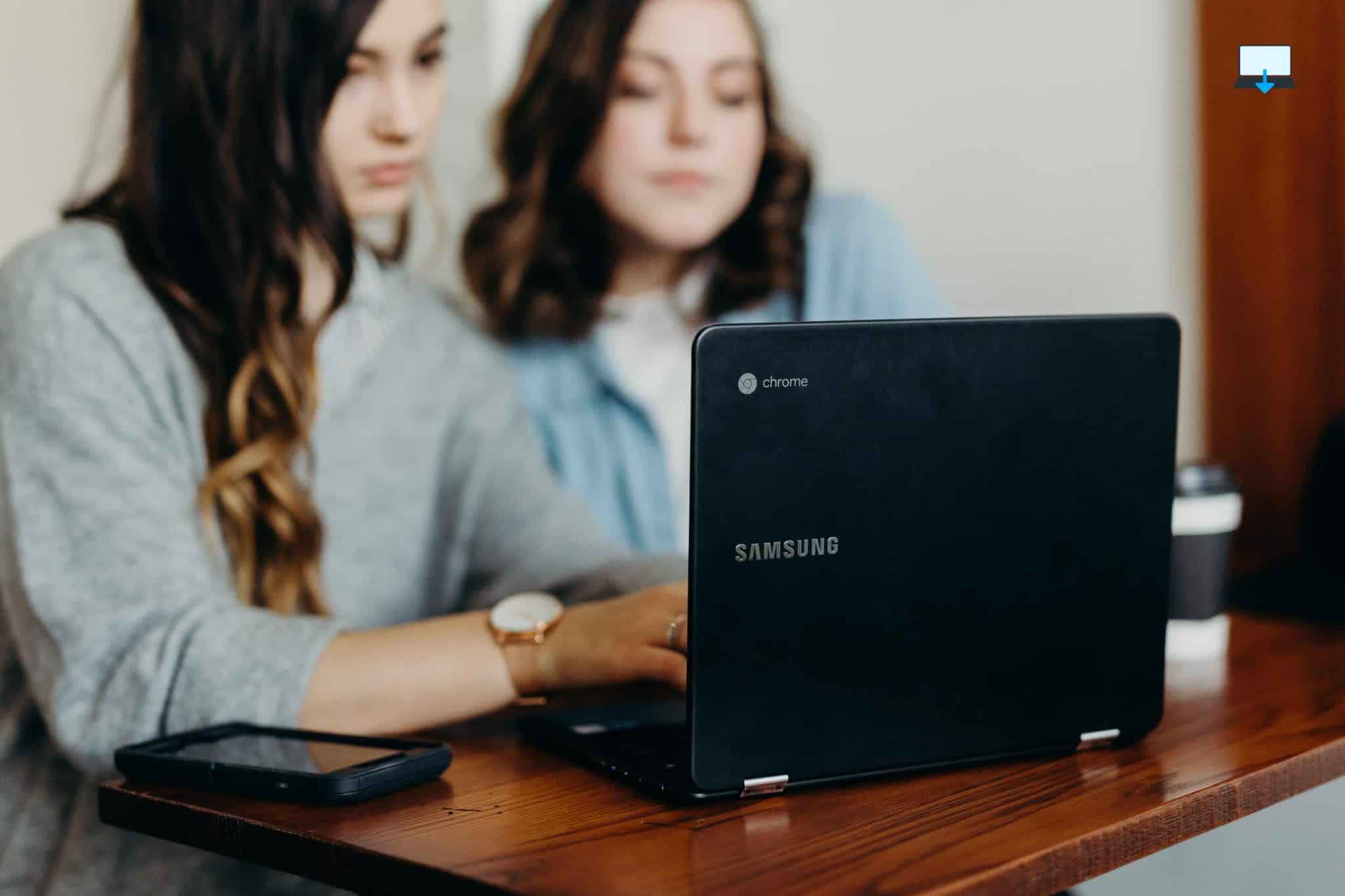
Consider moving your storage to the cloud if you haven’t already.
You can take advantage of a few extra GB’s by using free or paid services, so hence it makes our list of laptop maintenance tips.
Your data can be backed up to the cloud just like it would be on an external drive.
Having access to your files from anywhere with an internet connection is a key benefit of cloud storage, along with freeing up valuable space on your gaming computer or laptop.
7. Install the latest software
Maintaining your PC’s operating system and other programs is the easiest thing you can do.
Keeping your system updated ensures that it is protected against digital threats such as malware, why not check out my previous post regarding a guide to malware here, I hope it brings you value.
You will also have a better overall experience with your laptop if the software runs smoothly and is bug-free.
Device drivers are no different, though Windows should send you reminders when updates are needed, you can also manually check to make sure, so hence another important laptop maintenance tip.
8. Make use of the Task Manager on Windows
Windows Task Manager is one of our favourite computer maintenance tips. It will be easier for you to spot unusual computer activities once you start using this tool.
Learn about your PC’s inner workings, performance, disk usage, and network usage. Your computer’s speed will be instantly increased if you use Windows Task Manager to identify the programs that use up a lot of RAM.
9. You should back up your data
We cannot emphasize enough how critical it is to back up your data regularly. In the end, you can always replace a machine, but restoring your data isn’t easy without a backup.
Therefore, it’s a wise idea to make backups every week or to use a tool that will do it automatically, so this is why we added data backup to our laptop maintenance tip list.
10. You may need to reset your computer
When all else fails, reset your computer! Backing up your data regularly will ensure that nothing of value is lost. As a result, you’ll have a system that runs quickly and smoothly.
Keeping your computer in good shape is as simple as following the computer maintenance checklist above. In order to boost its performance even further, in some cases you can add more RAM and other upgrades.
Conclusion
Keeping your computer running smoothly requires regular hardware and software maintenance.
You can contact us at Best Computer Repair for more advice on taking care of your computer should you wish, as we are always happy to help.
Our company provides computer repair, mac repair, and laptop repair in Bridgend and South Wales, U.K. as well as upgrades and network support.
Let us help you get the highest performance out of your machine by calling us, using the live chat in the bottom right, or filling out our online contact form.
>>>Related Post: 10 Best Tips For Computer Maintenance<<<
If you enjoyed reading this post on “10 Essential Laptop Maintenance Tips“ or if it helped you in any way, please feel free to show your support by giving us a share or a like.
It would mean a lot to us!… Still unsure about something?
Then consider giving us a chance to help you decide the best course of action for your situation, along with what would best meet your requirements.
We are highly flexible with a no fix no fee policy, one of the leading computer repair specialists, plus custom-built PC/server build, cybersecurity experts in Bridgend covering the whole of South Wales, U.K.
Book your FREE no-obligation quote today!
Our normal service area is Bridgend, however, we also cover Swansea, Port Talbot, Bryncethin, Sarn, Ogmore Vale, Maesteg, Llantwit Major, Cowbridge, Barry, Penarth, Dinas Powys, Cardiff, Newport.
Best Computer Repair Bridgend plus South Wales, U.K. also offer worldwide remote support, virus removal, or even custom-built gaming PCs.
We work with competitive rates, contactless payment, free delivery, along with a friendly, professional service that can’t be compared anywhere else in the IT Services industry.
Why not contact us today here or say hello in the live chat at the bottom right of the page.
Thank you for reading, plus have a wonderful week! 🙂
To our continued health plus success
Eric Luis – CEO Best Computer Repair –
Bridgend and South Wales, U.K.


POST REPLY