
There is a wealth of personal plus business data on your computer. Without basic computer safety, you may become vulnerable to identity theft, fraud, or other types of cybercrime if this information falls into the wrong hands. Stay vigilant about viruses, malware, phishing attacks, Trojan horses, along with other online scams or malicious entities.
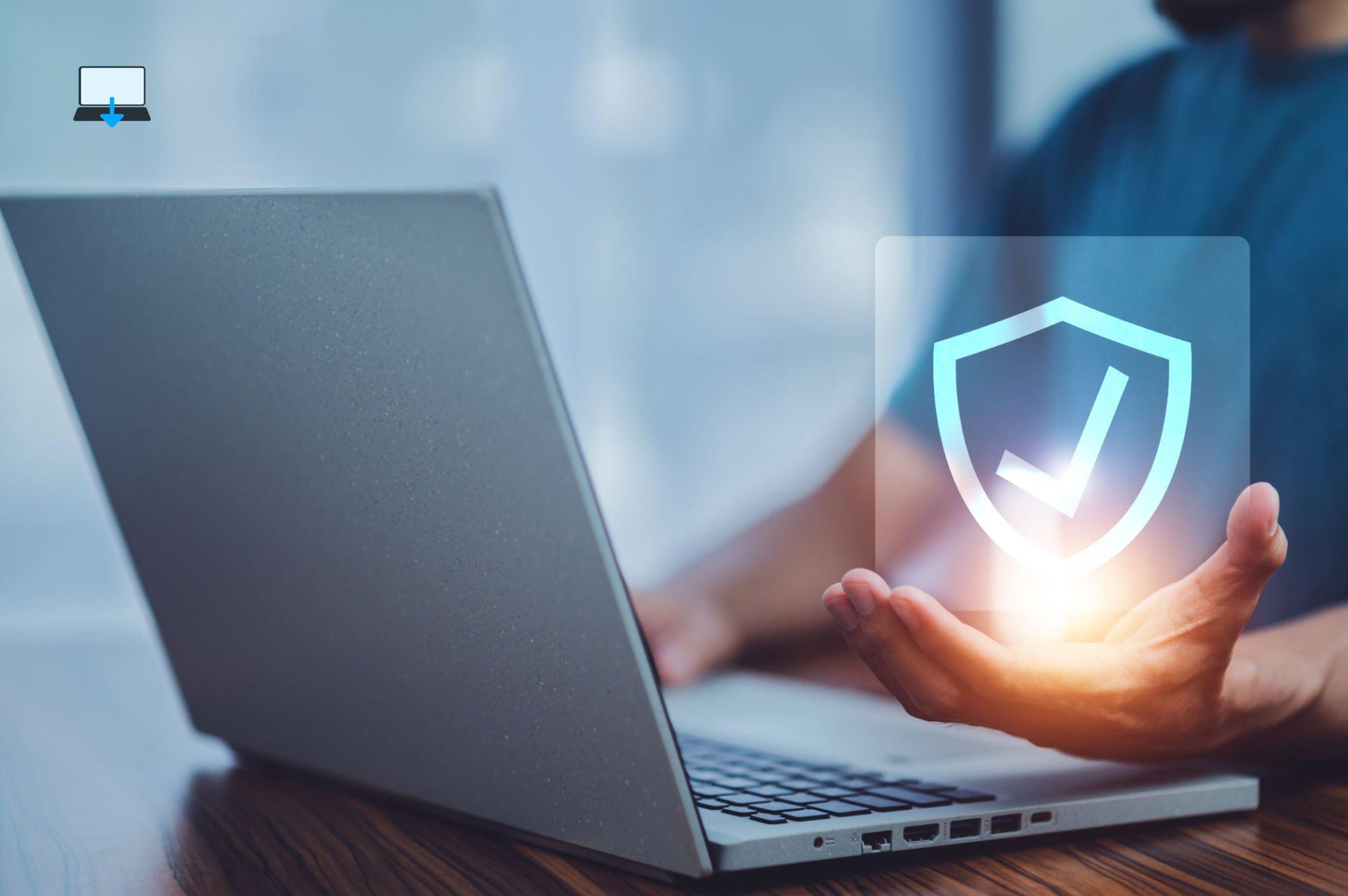
Following these eight basic computer safety tips can help you protect your money, identity, and personal information now and in the future.
It’s not too late to protect yourself from another attack if you’ve been scammed online, follow what we have learned while protecting our customers for over 25 years in IT and cybersecurity.
>>>Related Post: History’s 10 Worst Computer Viruses<<<
Use and keep your antivirus software up-to-date
A secure system requires antivirus software as a basic necessity in today’s computing. Antivirus software should be installed on every computer.
You can also protect your vital data with a host of free antivirus applications. (We wrote more on the best free antivirus software here)
Your computer, emails, and downloaded files are scanned by antivirus software and spyware scanners for viruses, malware, and other malicious content.
By configuring your antivirus software to scan for new definitions daily and scan for files automatically, you can protect your system without the need to guess.
Best Computer Repair Tip: All operating systems, including Windows, Mac, Android, iOS, and Linux, have antivirus programs available, don’t forget to update and use them.
Patches should be installed
Software applications and hardware devices are constantly discovering new vulnerabilities. These vulnerabilities are exploited by hackers to gain access to your computer and data.
Maintain your computer safety by installing any available security patches and updating your browser.
Using Windows Update, you can update your operating system and associated files if they are available.
Best Computer Repair Tip: Microsoft releases security and other OS patches each month on Patch Tuesday, also called Update Tuesday. Install updates when you see a prompt.
Firewalls should be used
Between your computer and the Internet, a firewall acts as an extra layer of protection.
Using security rules, it determines whether incoming data is received by your computer by monitoring incoming data.
By default, Windows 11 has a built-in firewall. You can also find several free firewall programs online. We also wrote more on Windows 11 life hacks with some security tips in this post here.
Best Computer Repair Tip: Enable the OS X firewall if you have a Mac.
Don’t provide sensitive or personal information
Personal information should be kept private. Keep your mother’s maiden name, Social Security number, and address private if you care about your computer safety.
Mentioning such things on social media should also be avoided. Social media has been scoured by criminals, the government, and even your boss in some cases.
Rather than providing your main credit card information when shopping online using your PC or laptop, use a prepaid credit card.
Best Computer Repair Tip: Provide your Social Security number or credit card number only on secure websites. SSL (Secure Sockets Layer) prefixes the URL for a secure site.
Make sure your email is under control
If you receive an unexpected email attachment, do not open it, regardless of who sent it. One simple step to protecting your computer safety is to avoid pushing emails.
People are tricked into opening attachments on their laptop, PC, or even phone these days that collect personal information and send it to attackers by spoofing a sender’s name.
Best Computer Repair Tip: Email messages with HTML or Rich Text can also contain malicious content. You can increase the security of your email by reading it in plain text format.
Be suspicious when you receive an IM
Worms and Trojan horses frequently target instant messaging.
It is not uncommon for scammers to come up with new methods of obtaining personal information and accessing personal accounts via your computer if you are not careful.
Best Computer Repair Tip: Treat IMs just as warily as you would email.
Use Strong Passwords
Use a variety of letters, numbers, and special characters in your passwords, and the longer and more complicated, the better.
Also, use different passwords for each account. If an account supports it, use two-factor authentication. To get a handle on your passwords, consider using a password manager application on your computer.
Many web browsers, such as Chrome and Opera, save passwords if this feature is enabled. Third-party apps, such as LastPass, are also helpful but best avoided considering the recent data breach.
These act as browser plug-ins that monitor password entries and save credentials for each account.
All you need to remember is the single password you created for the manager program, but the same can be said for criminals, all they need to crack is just one password to have full access.
Best Computer Repair Tip: Starting with a simple password and modifying it to become more complex is the best way to create a secure password. Consider adding numbers, special characters, and uppercase letters.
Become familiar with internet scams
Emails that promise lotto winnings, tell sad stories, or offer unsolicited job offers should not be opened or clicked, be that on your laptop, Office PC, mobile phone, smartwatch, or tablet.
You should also be careful about e-mails that appear to be from your bank or another e-commerce site masquerading as security concerns. Links in these emails may lead to malicious websites.
It’s best to contact your bank or credit card company directly if you’re unsure whether an email is legitimate if you care about your computer safety before clicking on it.
Best Computer Repair Tip: Scams are monitored by the FTC. You can browse scams by topic on its site and check out the agency’s most recent alerts. Most western nations even follow these as best practice on what to avoid.
>>>Related Post: History’s 10 Worst Computer Viruses<<<
If you enjoyed reading this post on “8 Best Computer Safety Tips“ or if it helped you in any way, please feel free to show your support by giving us a share or a like.
It would mean a lot to us!… Still unsure about something?
Then consider giving us a chance to help you decide the best course of action for your situation, along with what would best meet your requirements.
We are highly flexible with a no fix no fee policy, one of the leading computer repair specialists, plus custom-built PC/server build, cybersecurity experts in Bridgend covering the whole of South Wales, U.K.
Book your FREE no-obligation quote today!
Our normal service area is Bridgend, however, we also cover Swansea, Port Talbot, Bryncethin, Sarn, Ogmore Vale, Maesteg, Llantwit Major, Cowbridge, Barry, Penarth, Dinas Powys, Cardiff, Newport.
Best Computer Repair Bridgend plus South Wales, U.K. also offer worldwide remote support, virus removal, or even custom-built gaming PCs.
We work with competitive rates, contactless payment, free delivery, along with a friendly, professional service that can’t be compared anywhere else in the IT Services industry.
Why not contact us today here or say hello in the live chat at the bottom right of the page.
Thank you for reading, plus have a wonderful week! 🙂
To our continued health plus success
Eric Luis – CEO Best Computer Repair –
Bridgend and South Wales, U.K.


POST REPLY