
This blog post delves into the most common desktop PC hardware issues faced by users plus explains how our expert hardware repair services can help fix them.
We cover a wide range of hardware problems, including power supply issues, hard drive failures, RAM problems, and more.
We also highlight the importance of regular maintenance and how our technicians can assist in preventing future issues.
>>>5 Common Computer Issues and How Our Repair Services Can Help<<<
Introduction
Desktop PCs are powerful machines that have become an essential part of our daily lives. From work to play, these computers help us accomplish various tasks with ease.
However, as with any electrical device, desktop PCs can be prone to numerous hardware issues.
In this blog post, we will discuss the most common desktop PC hardware problems, plus how our expert hardware repair services can fix these issues efficiently and effectively.
1. Power Supply Issues
One of the most common hardware issues that desktop PC users face is a malfunctioning power supply.
This component is responsible for supplying stable, clean power to all other parts of the computer.
Common signs of a failing power supply include:
- The computer suddenly shuts down or restarts without warning
- The PC does not power on at all
- The PC experiences random crashes or freezes
How Best Computer Repair Can Fix It:
Our technicians are well-equipped to diagnose power supply issues, plus perform repairs or replacements as needed.
We use high-quality UK tested only replacement parts to ensure your computer receives a stable power supply, preventing further issues down the line.
No cheap low quality standard imported alternative parts will ever enter our workshop.
2. Hard Drive Failures
Hard drives are responsible for storing all the data on your desktop PC.
Over time, these drives can wear out or become damaged, leading to potential data loss.
Common signs of a failing hard drive include:
- Frequent “blue screen of death” errors
- Slow performance when accessing files or loading applications
- Strange noises coming from the hard drive
How Best Computer Repair Can Fix It:
Our technicians can diagnose the issue and determine whether the hard drive needs to be repaired or replaced.
We also offer data recovery services to ensure your valuable files are not lost due to hard drive failure.
3. RAM Problems
Random Access Memory (RAM) plays a crucial role in your desktop PC’s performance.
It temporarily stores data that the computer needs to access quickly, allowing for smoother multitasking and faster application loading times.
However, faulty or insufficient RAM can lead to various issues, such as:
- Frequent application crashes
- Slow performance when multitasking
- Computer freezing or restarting
How Best Computer Repair Can Fix It:
Our technicians can assess your computer’s RAM requirements and recommend an upgrade if necessary.
We can also diagnose and fix any RAM-related issues, ensuring your desktop PC runs smoothly and efficiently.
4. Overheating Issues
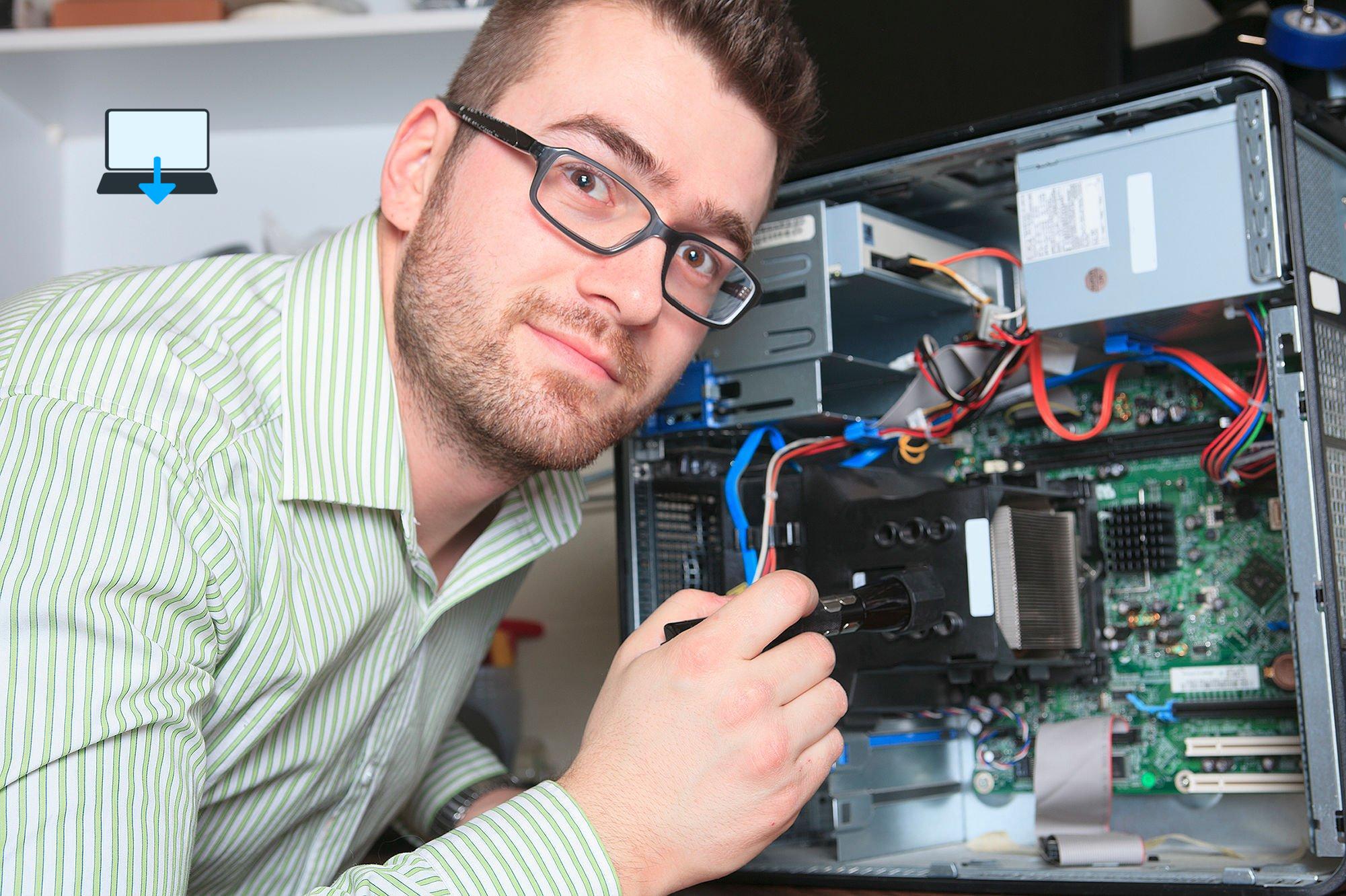
Desktop PCs are equipped with fans and heat sinks to dissipate heat generated by the processor and other components.
However, inadequate cooling can lead to overheating, causing the computer to slow down, freeze, or shut down unexpectedly.
Common causes of overheating include:
- Dust build-up in the fans and heat sinks
- Failing cooling fans
- Inadequate thermal paste on the processor
How Best Computer Repair Can Fix It:
Our technicians can clean your computer’s fans and heat sinks, ensuring optimal airflow and cooling efficiency.
We can also replace failing fans and apply high-quality thermal paste to the processor, preventing further overheating issues.
5. Graphics Card Problems
The graphics card is responsible for rendering images and videos on your desktop PC’s screen.
A malfunctioning graphics card can cause various display-related issues, such as:
- Artefacts or distortions on the screen
- The computer crashing when running graphics-intensive applications
- No display output at all
How Best Computer Repair Can Fix It:
Our technicians can diagnose graphics card issues and recommend a suitable replacement if necessary.
We can also repair or upgrade your existing graphics card, ensuring you enjoy crisp, clear visuals on your desktop or gaming PC.
6. Motherboard Issues
The motherboard is the central hub that connects all the components of your desktop PC.
A failing motherboard can cause a wide range of issues, from random crashes to a complete inability to power on the computer.
Common signs of a faulty motherboard include:
- The computer fails to boot up
- Random crashes or freezing
- USB ports or other peripherals not working
How Best Computer Repair Can Fix It:
Our technicians can diagnose motherboard issues and perform repairs or replacements as needed.
We use only high-quality replacement U.K. supplied parts to ensure your desktop PC remains stable and reliable.
Preventive Maintenance and Regular Checkups
To minimize the risk of hardware issues, it’s essential to perform regular maintenance on your desktop PC.
This includes cleaning the fans and heat sinks, checking for loose connections, updating drivers along with firmware.
Our hardware repair services also offer preventive maintenance plus checkups, helping you keep your computer running at peak performance.
Conclusion
In this blog post, we have outlined the most common desktop PC hardware issues and how our expert hardware repair services at Best Computer Repair Bridgend can help fix them.
By addressing power supply problems, hard drive failures, RAM issues, overheating problems, graphics card malfunctions, and motherboard issues.
Our technicians can ensure that your desktop PC remains in optimal working condition.
Remember that regular maintenance and checkups are crucial in preventing future hardware issues and extending the life of your desktop PC.
Our hardware repair services are here to assist you in maintaining your computer and ensuring it performs at its best.
Don’t let hardware issues slow you down or disrupt your productivity.
Reach out to our team of experienced technicians for reliable, efficient, and cost-effective hardware repair services.
We are committed to providing you with excellent customer service and keeping your desktop PC running smoothly.
>>>5 Common Computer Issues and How Our Repair Services Can Help<<<
If you enjoyed reading this post on “The Rise of Remote Computer Repair Services“ or if it helped you in any way, please feel free to show your support by giving us a share or a like.
It would mean a lot to us!… Still unsure about something?
Then consider giving us a chance to help you decide the best course of action for your situation, along with what would best meet your requirements.
We are highly flexible with a no fix no fee policy, one of the leading computer repair specialists, plus custom-built PC/server build, cybersecurity experts in Bridgend covering the whole of South Wales, U.K.
Book your FREE no-obligation quote today!
Our normal service area is Bridgend, however, we also cover Swansea, Port Talbot, Bryncethin, Sarn, Ogmore Vale, Maesteg, Llantwit Major, Cowbridge, Barry, Penarth, Dinas Powys, Cardiff, Newport.
Best Computer Repair Bridgend plus South Wales, U.K. also offer worldwide remote support, virus removal, or even custom-built gaming PCs.
We work with competitive rates, contactless payment, free delivery, along with a friendly, professional service that can’t be compared anywhere else in the IT Services industry.
Why not contact us today here or say hello in the live chat at the bottom right of the page.
Thank you for reading, plus have a wonderful week! 🙂
To our continued health plus success
Eric Luis – CEO Best Computer Repair –
Bridgend and South Wales, U.K.


POST REPLY