
Almost everyone owns a laptop or PC that has had a computer crash at some point. PC crashes happen regardless of whether you use Windows, macOS, or Linux.
What if it happens regularly? Your computer may restart or freeze without warning due to a single factor.
Hardware or software factors can play a role in these. Malware may even be to blame.
Crash – Computing, but why?… Let’s find out…
1. Devices are not seated correctly
A graphics card, RAM, HDD, or CPU can all cause a computer crash. Crashing can occur if the component is not properly connected or seated.
There may not even be anything technical wrong; your computer may simply not be plugged into the wall correctly.
There may be a problem with the cable not being seated correctly on the back of the computer.
This is especially true if you have a tower.
If it’s a laptop, the cable is usually on the side, but sometimes it can be on the back also.
Make sure all cables and components are securely connected before proceeding.
>>>Related post: How To Fix Blue Screen Errors In Windows<<<
2. Heat can cause computers to crash
Overheating will cause a computer crash.
The purpose of this safety mechanism is to protect hardware from damage. CPUs, memory modules, or even motherboards could become irreparably damaged without it. Solder can warp, soften, melt, and even ignite.
Keeping your desktop computer or laptop dust-free is the key to preventing heat-related crashes.
The risks associated with animal hair should also be considered if you have pets.
You will eventually crash your PC if both of these clog up the airflow (and fans) on your computer.
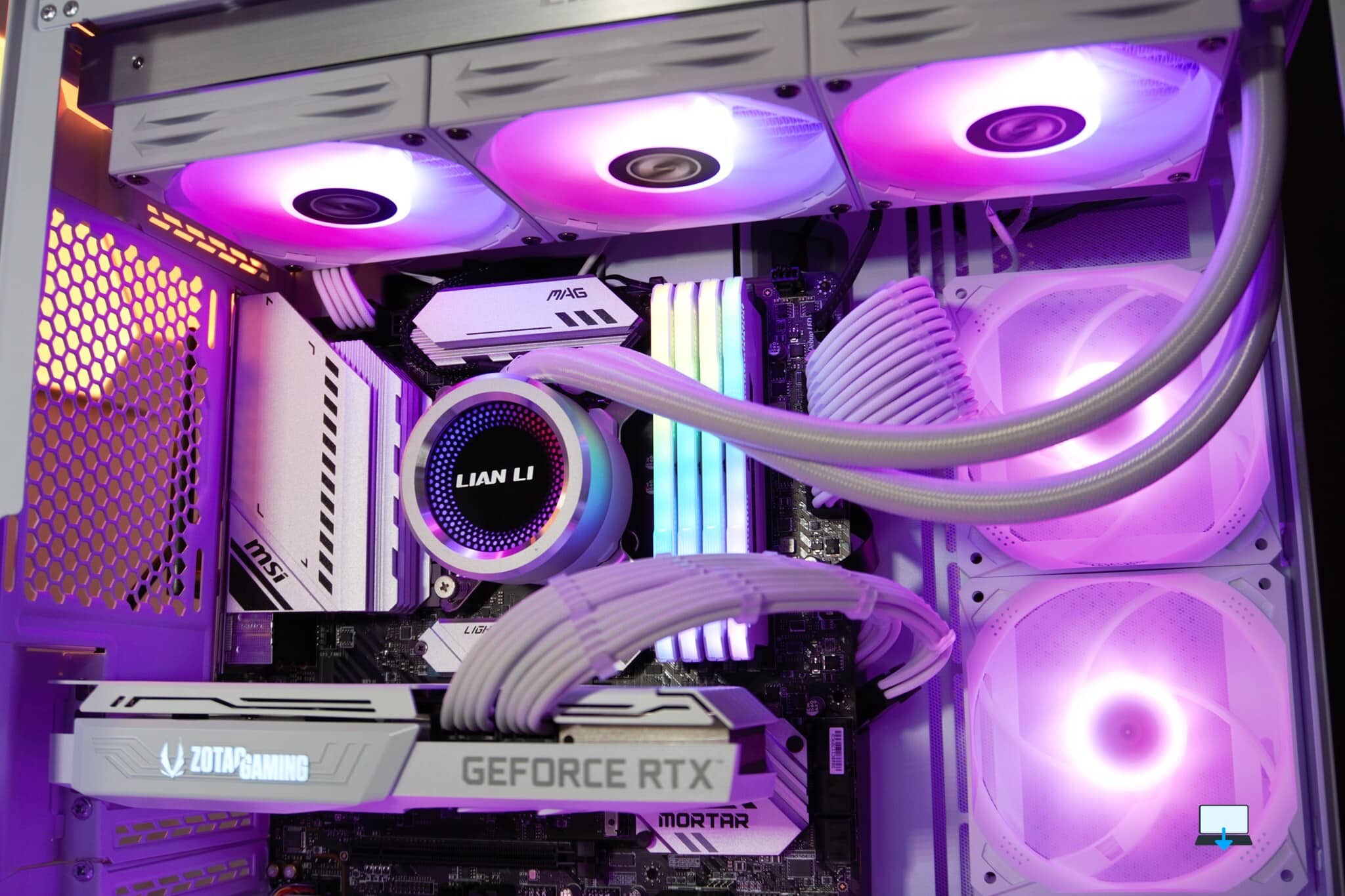
3. An HDD or SSD problem is causing your PC to crash
HDD or SSD is another common cause of PC crashes. It is likely that your computer will crash if you have a problem with your hard disk drive or solid-state drive.
To protect the drive, BIOS-level software often prevents failure by shutting down the system or causing what seams to be, to us, a computer crash.
Mechanical problems can occur with hard disks; physical damage to SSDs is rare, but not impossible.
The PSU or the cabling may be faulty as a result of power surges or other electrical problems (see below).
The first step is to reseat your SSD or HDD’s data and power cables.
Replace the cables if this doesn’t help. The last step is to replace the hard drive or SSD with a newer model if the computer crashes again.
4. The hardware and software you’re using are outdated
You may have connected an old USB stick, or the printer may be outdated. It’s possible that you’re playing the latest games on an old graphics card.
Most of the time, the software will not load, but in some cases, your entire computer may crash.
The system crashes every time you try a different setting in the game.
If you want to play the latest games, you should upgrade your hardware to avoid a computer crash and in our experience if it says gaming laptop get yourself a desktop instead.
5. Computers can crash due to damaged hardware
Damaged hardware is no different.
The device might appear to work, and even light up when connected, but it has developed a hardware fault that prevents it from working properly.
As a result, the device fails. As a result, your PC may crash in order to protect itself.
The process of identifying the problem is often an elimination process.
Once you have a computer that crashes randomly, start by removing the hardware you added most recently.
6. The presence of malware can cause your PC to crash repeatedly
It is common for a PC to crash due to a corrupted operating system infected with malware.
Malware can affect any operating system, whether it’s Windows, macOS, or Linux (although Windows is more likely).
You can find and remove malware using anti-malware solutions for all operating systems.
The PC should stop crashing once the malware has been removed.
7. Is your computer constantly crashing? Make sure your drivers are up-to-date.
It is possible for your PC to crash if you install the wrong hardware drivers.
In this case, the operating system is not relevant.
Instead, the OS’s ability to communicate with hardware devices is determined by software.
You can fix this by updating your device drivers, as soon as drivers have been updated don’t forget to restart your system to avoid another computer crash.
Checking for updates is typically involved in all cases.
Some hardware drivers can be manually downloaded and installed, but you have to identify which device is responsible for them first.
8. PCs can crash due to Wi-Fi issues
PCs can crash and restart if their wireless connections are poor.
Typically, this is caused by driver issues, but updating PC drivers without a network connection is difficult. There are two options available to you:
- Use an Ethernet cable to connect to the router (if your laptop does not have an Ethernet port, you may want to consider a USB to Ethernet adapter or docking station).
- Switch to another Wi-Fi network, yes you can use your phone if you know how to tether via USB.
Wireless network cards that are not compatible with the router’s network (for example, a 2.4GHz card attempting to connect to a 5GHz network) should not be able to connect to the router.
Although it will not attempt to connect, this does not mean it will not attempt to connect with a manual force.
Computer crashes can also occur when drivers for wireless network cards are low-budget.
This is why all the parts we select using our 25 plus years of experience for our custom-built gaming computer parts are sourced in the UK, with regulated stability and tests being conducted before being sold.
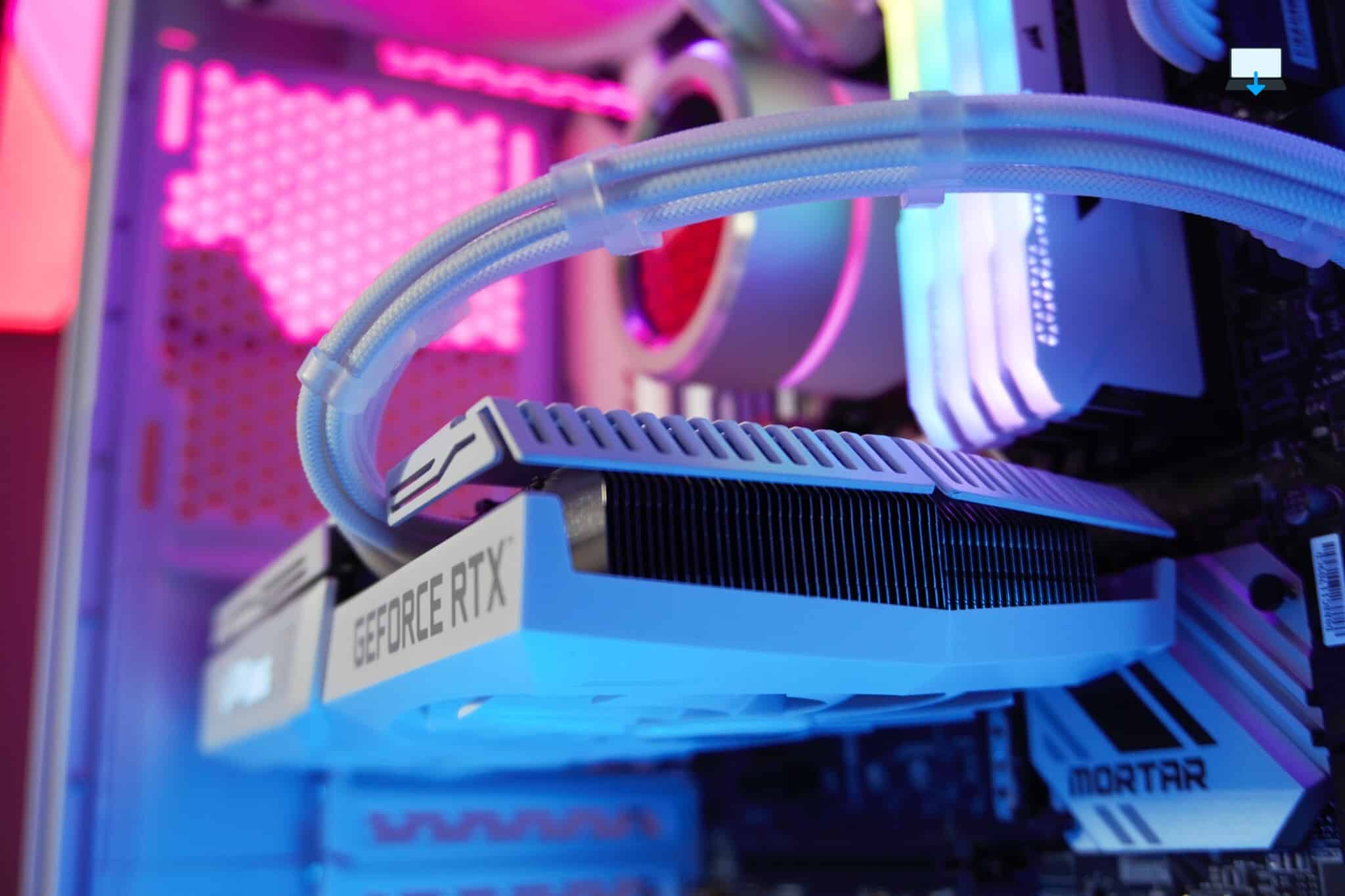
9. Are you experiencing computer crashes while playing games? Perform a GPU check
It is possible for PCs to crash without warning due to graphics processing units (GPUs), also called graphics cards.
GPUs have grown in size, power, and resource footprint over time. Once fitted into a single motherboard port, GPUs now occupy multiple slots.
The power supply may also have a dedicated cable for them.
There are a few issues with GPUs that can cause crashes.
As single-purpose minicomputers, they appear elsewhere on this list.
- GPUs are too old (see above).
- A lack of adequate drivers.
- The power draw is massive (see below).
- Seating or placement that is incorrect.
Device drivers can, of course, be updated. Checking cables and RAM modules is different from checking graphics cards because there is more to check. For example, the card must be mounted correctly in the slot and screwed in.
10. Simply put, there isn’t enough power
Lastly, if all the devices connected to your PC aren’t getting enough power, your PC may keep restarting.
There is a connection here, but it can happen without running a dedicated graphics card. A computer will crash if the total power required by the disk drives, CPU, and other hardware exceeds that provided by the power supply unit (PSU).
It’s helpful to know that there are PSU’s available for a wide range of PC configurations, offering different wattage according to your needs.
Make sure you use the right PSU for your computer by checking its power requirements and the requirements of any specialist hardware you intend to use.
You should then purchase a power supply that will provide adequate power and prevent future crashes.
These 10 Things Can Make Your PC Crash
Running a computer involves maintaining a balance of hardware compatibility, regularly updated software, and keeping the device clean.
Manufacturers and software vendors handle hardware and software, but it’s up to you to keep things clean and dust-free, and to use modern hardware.
To recap, these are the top 10 reasons your PC will crash without warning, plus a few extra for good measure as really for a good fully qualified computer technician, the list is truly endless:
- You have a low-spec computer
- Too much overclocking was done by you
- There is something wrong with the settings of the game
- Too much power is being consumed by your graphics card
- The operating system on your computer needs to be upgraded
- Drivers for your device need to be updated
- There is a problem with your network speed
- There are problems with Digital Rights Management
- The wrong mode is being used by the games
- Games are crashing because of your antivirus
- Online games crash when using a VPN
- There are too many tabs open in your browser
>>>Related post: How To Fix Blue Screen Errors In Windows<<<
If you enjoyed reading this post on “The Top 10 Reasons Why Your Computer Crashes“ or if it helped you in any way, please feel free to show your support by giving us a share or a like.
It would mean a lot to us!… Still unsure about something?
Then consider giving us a chance to help you decide the best course of action for your situation, along with what would best meet your requirements.
We are highly flexible with a no fix no fee policy, one of the leading computer repair specialists, plus custom-built PC/server build, cybersecurity experts in Bridgend covering the whole of South Wales, U.K.
Book your FREE no-obligation quote today!
Our normal service area is Bridgend, however, we also cover Swansea, Port Talbot, Bryncethin, Sarn, Ogmore Vale, Maesteg, Llantwit Major, Cowbridge, Barry, Penarth, Dinas Powys, Cardiff, Newport.
Best Computer Repair Bridgend plus South Wales, U.K. also offer worldwide remote support, virus removal, or even custom-built gaming PCs.
We work with competitive rates, contactless payment, free delivery, along with a friendly, professional service that can’t be compared anywhere else in the IT Services industry.
Why not contact us today here or say hello in the live chat at the bottom right of the page.
Thank you for reading, plus have a wonderful week! 🙂
To our continued health plus success
Eric Luis – CEO Best Computer Repair –
Bridgend and South Wales, U.K.


POST REPLY